country_code
Skip to main content
Ctrl+K
Isaac Sim Documentation - Home Isaac Sim Documentation - Home

Isaac Sim Documentation

  • discord
  • github
  • twitter
  • youtube
  • instagram
  • www
  • linkedin
  • twitch
Isaac Sim Documentation - Home Isaac Sim Documentation - Home

Isaac Sim Documentation

  • discord
  • github
  • twitter
  • youtube
  • instagram
  • www
  • linkedin
  • twitch

Table of Contents

Isaac Sim

  • What Is Isaac Sim?
  • Reference Architecture and Task Groupings
  • Release Notes
    • Known Issues
    • Migration Guides
      • Isaac Sim 6.1
        • Robot Policy Examples Extension 7.0.0
      • Isaac Sim 6.0
        • Isaac Sim 6.0 Migration Strategy
        • Project Migration Audit
        • Core API to Core Experimental API
        • Sensor Timing and RTX Lidar Asset Migration
        • Camera Sensors
        • RTX Sensors
        • Physics Sensors
        • PhysX Lidar
        • PhysX Generic Sensor
        • PhysX Lightbeam
        • Replicator Domain Randomization Extension
        • MobilityGen Package and Recordings
        • Manipulator and Wheeled Robot Extension Split
        • Robot Motion Generation APIs
        • Cortex behavior workflow migration
        • Robot Wizard and Mesh Merge Tool Migration
        • Robot Asset Path Migration
        • URDF, MJCF, and Robot Asset Pipeline Changes
        • ROS 2 OmniGraph Nodes
        • ROS 2 Sensor Graph Migration
        • ROS 2 Workspace Package Migration
        • Benchmark Services Migration
        • Removed Tools and Replacements
        • Extension Template Generator to CLI Templates
        • Replicator Agent (IRA)
        • Surface Gripper Bindings
      • Isaac Sim 4.5
        • Renaming Extensions in Isaac Sim 4.5
  • Installation
    • Quick Install
    • Isaac Sim Requirements
    • Download Isaac Sim
    • Accessing assets
    • Workstation Installation
    • Container Installation
    • Cloud Deployment
      • Isaac Launchable Deployment
      • NVIDIA Brev Deployment
      • AWS Deployment
      • Azure Deployment
      • Google Cloud Deployment
      • Tencent Cloud Deployment
      • Alibaba Cloud Deployment
      • Volcano Engine Deployment
      • Baidu Cloud Deployment
      • Remote Workstation Deployment
    • Livestream Clients
    • Python Environment Installation
    • ROS 2 Installation
    • Setup Tips
  • Help & FAQ
    • Isaac Sim Developer Resources
    • Omniverse Feedback and Forums
      • General Feedback
      • Documentation Fix Request
    • FAQ
    • Troubleshooting
      • ROS 2 Troubleshooting
      • Replicator Troubleshooting
  • Isaac Sim Assets
    • Robot Assets
      • Wheeled Robot Assets
      • Manipulator Robot Assets
      • Humanoid Robot Assets
      • Quadruped Robot Assets
      • Holonomic Robot Assets
      • Aerial Robot Assets
      • Isaac Sim Simple Robot Assets
      • Mobile Manipulator Robot Assets
    • Sensor Assets
      • Camera Sensors
      • Depth Sensors
      • RTX Lidar Sensors
      • RTX Radar Sensors
      • Tactile Sensors
      • IMU Sensors
    • Prop Assets
    • Environment Assets
    • Third-Party USD Assets
    • Real to Sim Assets
      • Neural Volume Rendering
      • NuRec Rendering Utilities
    • Asset Utilities
      • OpenUSD Fundamentals
      • USD Tools
      • Warehouse Creator Extension
      • Conveyor Belt Utility
      • Static Warehouse Assets

Get Started

  • Quick Install
  • Isaac Sim Basics
    • Isaac Sim Basic Usage Tutorial
    • Basic Robot Tutorial
    • Standalone vs Interactive Python
    • Core API Overview
    • Core API Tutorial Series
      • Hello World
      • Hello Robot
      • Adding a Manipulator Robot
      • Adding Multiple Robots
      • Multiple Robot Scenarios
      • Adding Props
    • Tutorial Table
  • Examples
    • Interactive Examples Reference Table
    • Standalone Examples Reference List

Learn

  • Gallery View
  • GUI
    • User Interface Reference
    • Keyboard Shortcuts
    • Create Menu
    • Replicator Menu
    • Preferences
    • Selection Modes
    • Browsers
      • Content Browser
      • Material Browser
      • NVIDIA Asset Browser
    • Layout Templates
    • Working with USD
    • SimReady Content Browser Search Extension Tutorial
  • Setup and Simulate Robots
    • Importers and Exporters
      • URDF Importer Extension
      • USD to URDF Exporter Extension
      • MJCF Importer Extension
      • Onshape importer
      • CAD Converter
      • ShapeNet Importer
      • Formats
      • Importer and Exporter Tutorials Series
        • Tutorial: Import URDF
        • Tutorial: Export URDF
        • Tutorial: Import MJCF
        • Tutorial: ShapeNet Importer
    • Robot Setup
      • Basic Stage and Robot Setup
        • Stage Setup
        • Assemble a Simple Robot
        • Articulate a Basic Robot
        • Add Camera and Sensors
        • Rig a Mobile Robot
      • Setup a Manipulator
        • Setup a Manipulator
        • Configure a Manipulator
        • Generate Robot Configuration File
        • Pick and Place Example
      • Setup a Closed-Loop Structure
      • Setup a Legged Robot
      • Setup a Dexterous Hand in Isaac Sim
        • Setup
        • Import Robot and USD Asset Structure
        • Inspect Asset
        • Collider Pairs
        • Joint Drive Tuning
        • Joint Gains Tuning
        • Using the Dexterous Hand in Practice
      • Tuning and Optimization
        • Tuning Joint Drive Gains
        • Asset Optimization
        • Identify Franka System Parameters
        • Validate Identification with Sim-to-Sim Recovery
      • Asset Transformer Tutorial Series
      • Editor Tools
        • Robot Poser
        • Mesh merge tool
        • Gain Tuner Extension
        • System Identification Extension
        • Robot Self-Collision Detector
        • Robot Assembler
      • Surface Gripper Extension
      • Grasp Editor
      • Inspector Tools
        • Robot Inspector Window
        • Joint Inspector
      • Robot Setup Tips for Newton
      • Robot Setup Troubleshooting
      • Asset Validation
      • Asset Transformer
      • Asset Transformer API
      • Asset Transformer Rules Reference
      • Asset Structure
      • Robot Schema
    • Robot Simulation
      • Articulation Controller
      • Mobile Robot Controllers
      • Virtual Gantry
      • Robot Simulation Tips
      • Useful Links
    • Robot Motion
      • Quick Start
      • Motion Generation (Experimental)
        • Scene Interaction
        • Controllers and the RobotState
        • Trajectory Planning and Execution
      • Controllers
        • Differential Drive Tutorial
        • Ackermann Tutorial
        • Holonomic Tutorial
      • cuMotion Integration
        • Robot Configuration Tutorial
        • cuMotion World Interface Tutorial
        • RMPflow Tutorial
        • Graph-Based Motion Planner Tutorial
        • Trajectory Generator Tutorial
        • Trajectory Optimizer Tutorial
      • PINK Integration
        • Robot Configuration Tutorial
        • IK Controller Tutorial
        • Multi-Task Tutorial
      • Franka Pick and Place Example
      • State Machines for Robot Behavior
      • (Deprecated) Robot Motion Generation
        • Motion Generation
        • Lula Robot Description and XRDF Editor
        • Lula RMPflow
        • Lula RRT
        • Lula Kinematics Solver
        • Lula Trajectory Generator
        • Configuring RMPflow for a New Manipulator
        • cuRobo and cuMotion
    • Newton Actuators
      • Set Up Actuators from Python
      • Author and Parse Actuators from USD
      • Author Actuators from UI
      • Drive an Actuated Robot from OmniGraph
      • Tips
  • Physics Simulation
    • Physics Simulation Fundamentals
    • Physics Data Flow and Engine Integration
    • Newton Physics Backend
      • Hydroelastic Contact
      • Configure Hydroelastic Contact for a Nut-and-Bolt Assembly
    • Omniverse Physics and PhysX Limitations
    • Physics Simulation Management
    • Physics Inspector
    • Physics Static Collision Extension
    • Simulation Data Visualizer
    • Physics Debug Window
  • Sensor Simulation
    • Camera Sensors
      • Depth Sensors
      • Structured Light Cameras
      • Authoring a Camera Sensor USD Asset
    • RTX Sensors
      • RTX Lidar Sensor
      • RTX Radar Sensor
      • RTX Acoustic Sensor
      • RTX Sensor Annotators
      • RTX Sensor Non-Visual Materials
      • Multi-Tick Rendering
      • Creating Custom RTX Sensor Profiles
    • Physics-based Sensors
      • Articulation Joint Sensors
      • Contact Sensor
      • Effort Sensor
      • IMU Sensor
      • Joint State Sensor
      • Physics Raycast Sensor
      • Sensor Schema
      • (Deprecated) PhysX SDK Sensors
        • (Deprecated) PhysX Generic Sensor
        • (Deprecated) PhysX Lidar
        • (Deprecated) PhysX Lightbeam Sensor
        • (Deprecated) Proximity Sensor
  • Develop and Integrate
    • Development Tools
      • Development Methods
      • Visual Studio Code (VS Code)
      • Python Server (Remote Code Execution)
      • Jupyter Notebook
      • Omniverse Script Editor
      • Isaac Sim MCP Server
      • Agent Skills
      • Modify Carb Settings
      • Adding and Updating Extensions Guide
    • Python Scripting
      • Python Environment
      • Scene Setup Snippets and Examples
      • Util Snippets
      • Robot Simulation Snippets
    • OmniGraph
      • OmniGraph Interface
      • OmniGraph Core Concepts
      • Commonly Used OmniGraph Shortcuts
      • Custom Python Nodes
      • Custom C++ Nodes
      • Building Custom IPC OmniGraph Nodes
      • Additional Resources
      • Basic OmniGraph Tutorial
      • Isaac Sim OmniGraph Tutorial
      • OmniGraph via Python Scripting Tutorial
    • External Interfaces
      • ZeroMQ Bridge
    • Templates
      • CLI Extension Templates
      • (Deprecated) Extension Template Generator
        • Extension Template Generator Explained
      • Advanced Extension Template Generator from VS Code
    • Debugging and Profiling
      • Debug Drawing Extension API
      • Omniverse Commands Tool Extension
      • Commands
      • Debugging With Visual Studio Code
      • Profiling Performance Using Tracy
    • Other Tools
      • NVIDIA cuOpt
      • (Deprecated) Isaac Cortex: Overview
        • Decider networks
        • Behavior Examples: Peck Games
        • Walkthrough: Franka Block Stacking
        • Walkthrough: UR10 Bin Stacking
        • Building Cortex Based Extensions
      • Occupancy Map
      • Live Camera Streaming over RTSP

Workflows

  • Top 5
    • Bring a new mobile base and navigate with ROS2
    • Manipulator workflow: URDF to pick and place
    • Data Generation with MobilityGen
    • Cosmos Synthetic Data Generation
    • Humanoid workflow: Train locomotion in AGILE and deploy in Isaac Sim
      • Stage 1: Prepare the humanoid USD
      • Stage 2: Create a custom humanoid task in AGILE
      • Stage 3: Configure and validate the locomotion MDP
      • Stage 4: Train, evaluate, and export
      • Stage 5: Deploy the policy
  • Deploying Policies
    • Deploying policies in Isaac Sim
    • Reinforcement Learning Policies Examples in Isaac Sim
    • Instanceable Assets
  • ROS 2
    • Overview and Installation
      • ROS 2 Installation
      • ROS 2 Reference Architecture
    • ROS 2 Tutorial Series
      • URDF Import: Turtlebot
      • Driving TurtleBot using ROS 2 Messages
      • ROS 2 Clock
      • ROS 2 Publish Real Time Factor (RTF)
      • ROS 2 Cameras
      • RTX Lidar Sensors
      • ROS 2 Transform Trees and Odometry
      • ROS 2 Setting Publish Rates
    • Advanced Sensor Topics
      • Add Noise to Camera
      • Publishing Camera’s Data
      • ROS 2 Compressed Images
      • RTX Radar Sensors
    • Robot Control
      • ROS 2 Joint Control: Extension Python Scripting
      • ROS 2 Ackermann Controller
      • Running a Reinforcement Learning Policy through ROS 2 and Isaac Sim
      • ROS 2 Navigation
      • Multiple Robot ROS 2 Navigation
      • ROS 2 Navigation with Heightmap Importer
      • MoveIt 2
      • ROS 2 Control
    • Bridge Configuration
      • ROS 2 Bridge in Standalone Workflow
      • ROS 2 Launch
      • ROS 2 Simulation Control
      • ROS 2 Quality of Service (QoS)
      • Automatic ROS 2 Namespace Generation
      • NameOverride Attribute
    • Custom Interfaces
      • ROS 2 Generic Publisher and Subscriber
      • ROS 2 Generic Server and Client
      • ROS 2 Service for Manipulating Prims Attributes
      • ROS 2 Python Custom Messages
      • ROS 2 Python Custom OmniGraph Node
      • ROS 2 Custom C++ OmniGraph Node
    • URDF Import and Export
      • URDF Importer Extension
      • USD to URDF Exporter Extension
    • Help and Reference
      • ROS 2 Frequently Asked Questions
      • ROS 2 Troubleshooting
    • NVIDIA Isaac ROS
  • Synthetic Data Generation
    • Perception Data Generation (Replicator)
      • Overview
      • Synthetic Data Recorder
      • Getting Started Scripts
      • SDG Workflows
      • Scene Based Synthetic Dataset Generation
      • Object Based Synthetic Dataset Generation
      • Environment Based Synthetic Dataset Generation with Infinigen
      • Randomization in Simulation – AMR Navigation
      • Randomization in Simulation – UR10 Palletizing
      • Data Augmentation
      • Custom Replicator Randomization Nodes
      • Modular Behavior Scripting
      • Randomization Snippets
      • Useful Snippets
      • Replicator Troubleshooting
    • Action and Event Data Generation
      • Actor Simulation and Synthetic Data Generation
        • Configuration File Guide
        • Sample Configs
        • Animated Robot Controller
        • Configuration Editor API
        • Example: RTSP Streaming with CustomWriter
        • Visual Noise and Image Degradation Effects Example
      • Behavior Tree Generation
        • Context Files and Metadata Schemas
        • Required inputs
        • Example Walkthrough
        • Using the API Functions
      • Object Simulation and Synthetic Data Generation
        • Chat IRO: Natural Language Interface for Isaac Sim Replicator Object
        • Setting
        • Mutable
        • Camera
        • Geometry
        • Force
        • Light
        • Mutable Attribute
        • Transformation
        • Harmonizer
        • Empty Space Detection
        • Macro
        • Distribution Visualizer
        • Randomization Dependency: Incremental Examples
      • VLM Scene Captioning
      • Physical Space Event Generation
      • RTX Sensors Placement and Calibration
        • Camera Placement
        • Camera Calibration
      • Reacting to Events with Actor Triggers
      • Omni Metropolis Pipeline
      • Telemetry and Performance Tracking
    • Grasping Synthetic Data Generation
    • Teleoperation Synthetic Data Generation

API Documentation

  • API Documentation

Reference Information

  • Community Project Highlights
  • Glossary
  • Isaac Sim Conventions
  • Rendering modes
  • Isaac Sim Performance Optimization Handbook
  • Isaac Sim Benchmarks
  • Omniverse and USD
    • Building C++ USD Plugins Against the Standalone Installer

Common

  • Omniverse Feedback and Forums
    • General Feedback
    • Documentation Fix Request
  • Data Collection & Usage
  • Licenses
    • Isaac Sim License
    • Isaac Sim Additional Software and Materials License
    • Isaac Sim WebRTC Streaming Client License
    • Omniverse License
    • Licensing Disclaimer
    • Other Licenses
    • Redistributable Omniverse Software
    • License FAQ
  • Gallery View
Is this page helpful?

Gallery View#

Browse Isaac Sim by product module instead of documentation type. Open a module to see its tutorials, tool references, and developer references together.

12items
GUI
12 items
Developer ReferenceTool ReferenceTutorial

Browse developer references, tool references, and tutorials for GUI.

GUI, 12 items, Developer Reference, Tool Reference, Tutorial, Browse developer references, tool references, and tutorials for GUI.
11items
Importers and Exporters
11 items
RobotTutorialTool Reference

Browse tutorials and tool references for Importers and Exporters.

Importers and Exporters, 11 items, Robot, Tutorial, Tool Reference, Browse tutorials and tool references for Importers and Exporters.
20items
Robot Setup
20 items
RobotTutorialTool ReferenceDeveloper Reference

Browse tutorials, tool references, and developer references for Robot Setup.
Robot Setup, 20 items, Robot, Tutorial, Tool Reference, Developer Reference, Browse tutorials, tool references, and developer references for Robot Setup.
5items
Robot Simulation
5 items
RobotPhysicsTool ReferenceDeveloper Reference

Browse tool references and developer references for Robot Simulation.

Robot Simulation, 5 items, Robot, Physics, Tool Reference, Developer Reference, Browse tool references and developer references for Robot Simulation.
9items
Robot Motion
9 items
RobotExperimentalTool ReferenceTutorial

Browse tool references and tutorials for Robot Motion.

Robot Motion, 9 items, Robot, Experimental, Tool Reference, Tutorial, Browse tool references and tutorials for Robot Motion.
6items
Newton Actuators
6 items
RobotNewtonPhysicsExperimentalTool Reference

Author and drive portable external actuator models from Python, USD, the UI, and OmniGraph.

Newton Actuators, 6 items, Robot, Newton, Physics, Experimental, Tool Reference, Author and drive portable external actuator models from Python, USD, the UI, and OmniGraph.
12items
Physics Simulation
12 items
PhysicsTool Reference

Physics fundamentals, engine integration, backends, limitations, and simulation tools.

Physics Simulation, 12 items, Physics, Tool Reference, Physics fundamentals, engine integration, backends, limitations, and simulation tools.
4items
Camera Sensors
4 items
SensorExperimentalTool ReferenceTutorial

Browse tool references and tutorials for Camera Sensors.

Camera Sensors, 4 items, Sensor, Experimental, Tool Reference, Tutorial, Browse tool references and tutorials for Camera Sensors.
8items
RTX Sensors
8 items
SensorExperimentalTool Reference

Lidar, radar, acoustic, annotator, material, and advanced RTX sensor references.

RTX Sensors, 8 items, Sensor, Experimental, Tool Reference, Lidar, radar, acoustic, annotator, material, and advanced RTX sensor references.
9items
Physics-based Sensors
9 items
SensorPhysicsExperimentalTool Reference

Articulation force, contact, effort, IMU, joint-state, raycast, and sensor schema references.

Physics-based Sensors, 9 items, Sensor, Physics, Experimental, Tool Reference, Articulation force, contact, effort, IMU, joint-state, raycast, and sensor schema references.
9items
Development Tools
9 items
Developer Reference

Browse developer references for Development Tools.

Development Tools, 9 items, Developer Reference, Browse developer references for Development Tools.
4items
Python Scripting
4 items
Developer Reference

Python concepts, the standalone environment, and runnable snippets.

Python Scripting, 4 items, Developer Reference, Python concepts, the standalone environment, and runnable snippets.
12items
OmniGraph
12 items
Tool ReferenceTutorial

Browse tool references and tutorials for OmniGraph.

OmniGraph, 12 items, Tool Reference, Tutorial, Browse tool references and tutorials for OmniGraph.
1item
External Interfaces
1 item
Tool Reference

Bridge Isaac Sim to external processes and protocols.

External Interfaces, 1 item, Tool Reference, Bridge Isaac Sim to external processes and protocols.
4items
Templates
4 items
Developer Reference

Extension templates and generator tools for scaffolding new Isaac Sim projects.

Templates, 4 items, Developer Reference, Extension templates and generator tools for scaffolding new Isaac Sim projects.
5items
Debugging and Profiling
5 items
Developer Reference

Debug, inspect, and profile simulations and extensions.

Debugging and Profiling, 5 items, Developer Reference, Debug, inspect, and profile simulations and extensions.
4items
Other Tools
4 items
Tool ReferenceTutorial

Warehouse logistics tools, a deprecated Cortex tutorial series, occupancy maps, and live camera streaming.

Other Tools, 4 items, Tool Reference, Tutorial, Warehouse logistics tools, a deprecated Cortex tutorial series, occupancy maps, and live camera streaming.

GUI#

GUI
Overview
GUI
Developer Reference

Access frequently used Isaac Sim GUI tools and related Omniverse GUI extensions.

GUI
User Interface Reference
GUI
Developer Reference

Reference the opening page, menu bar, toolbar, and main UI windows.

User Interface Reference
Keyboard Shortcuts
GUI
Developer Reference

Look up viewport, stage, and editing hotkeys in one table.

Keyboard Shortcuts Reference
Create Menu
GUI
Developer Reference

Reference Create menu items for scene creation and layout.

Create Menu
Replicator Menu
GUI
Developer Reference

Reference Replicator menu tools for generating, visualizing, and recording synthetic data.

Replicator Menu
Preferences
GUI
Developer Reference

Reference commonly modified application settings in the Preferences panel.
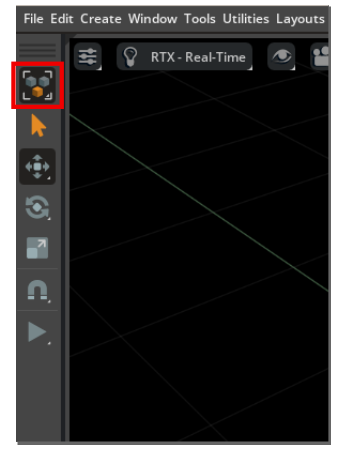
Preferences
Selection Modes
GUI
Developer Reference

Reference type and model-kind selection modes and their toolbar controls.
Selection Modes
Browsers
GUI
Developer Reference

Manage assets and scenes with the Content, Asset, and Material browsers.
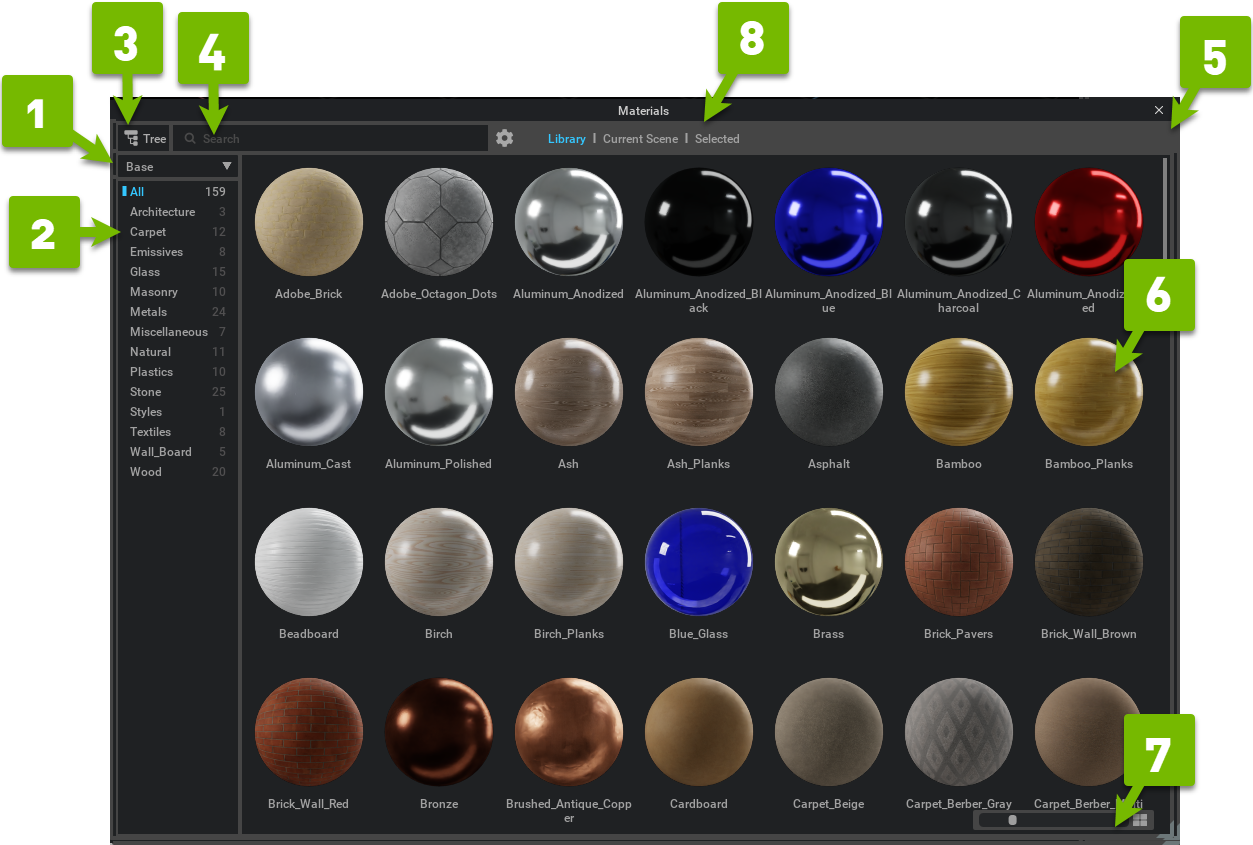
Browsers
Layout Templates
GUI
Developer Reference

Reference predefined layout templates and save or load custom GUI layouts.

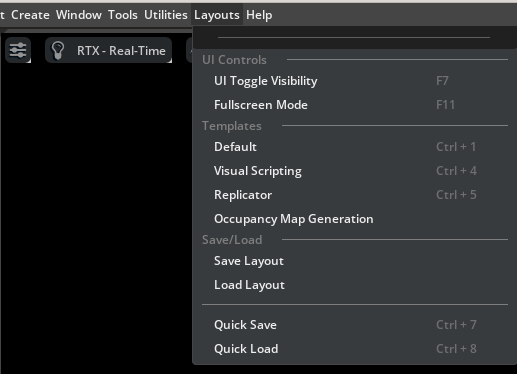
Layout Templates
Working with USD
GUI
Tool Reference

Save, load, reference, and collect USD stages from the Isaac Sim UI.
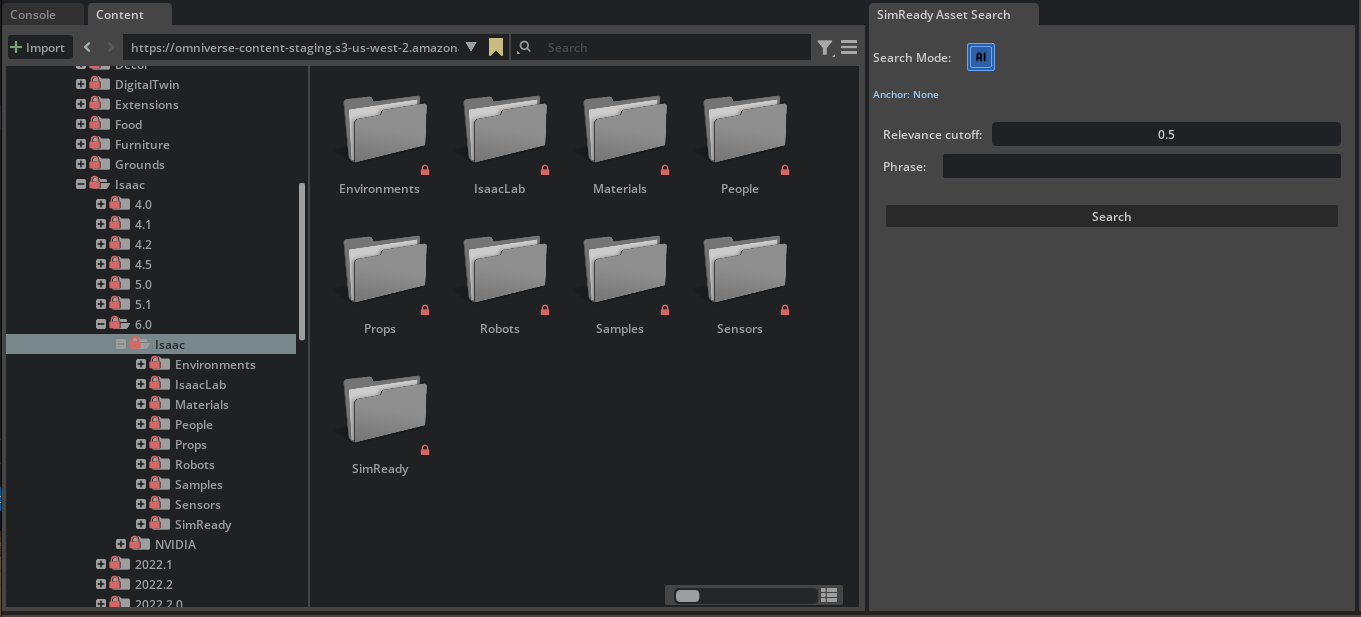
Working with USD
SimReady Content Browser Search Extension Tutorial
GUI
Tutorial

Search local folders and AWS S3 buckets for SimReady assets.
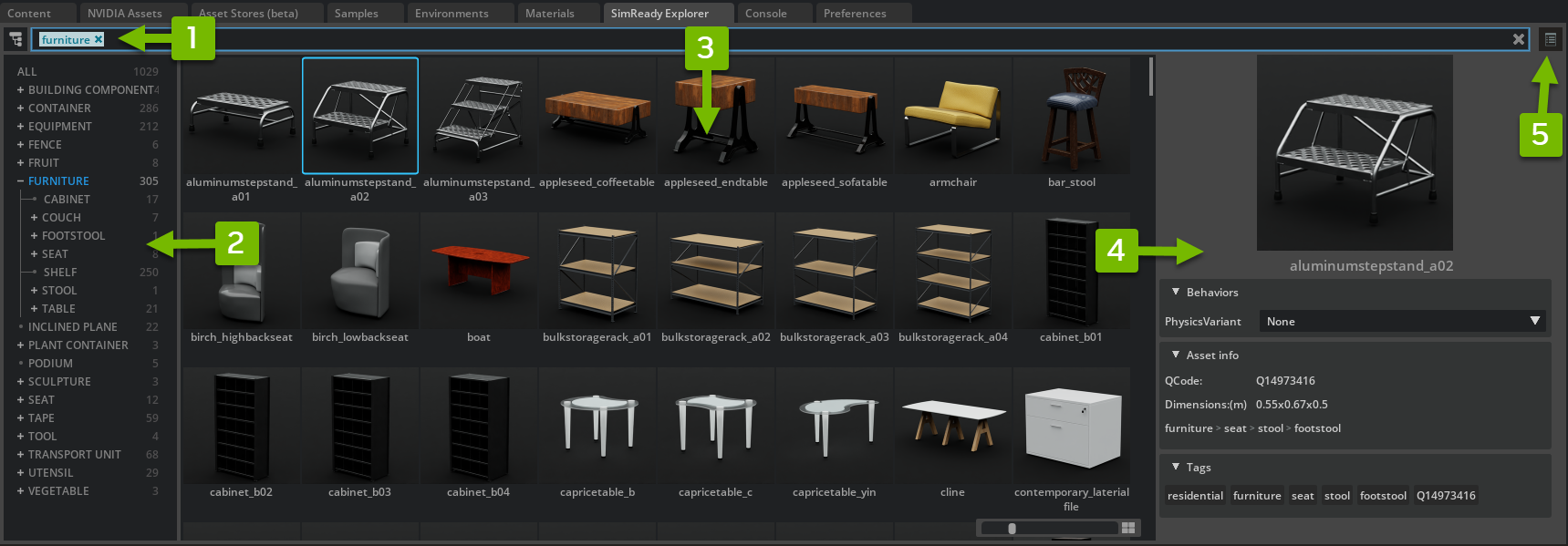
SimReady Content Browser Search Extension Tutorial
SimReady Explorer
SimReady
Tool Reference

Search, inspect, and configure simulation-ready assets before adding them to the active stage.

https://docs.omniverse.nvidia.com/extensions/latest/ext_core/ext_browser-extensions/simready-explorer.html

Importers and Exporters#

Importers and Exporters
URDF Importer Extension
Importers and Exporters
Tool Reference

Import URDF robot descriptions through the Isaac Sim UI and extension API.

URDF Importer Extension
USD to URDF Exporter Extension
Importers and Exporters
Tool Reference

Export a USD stage or file to a URDF package.
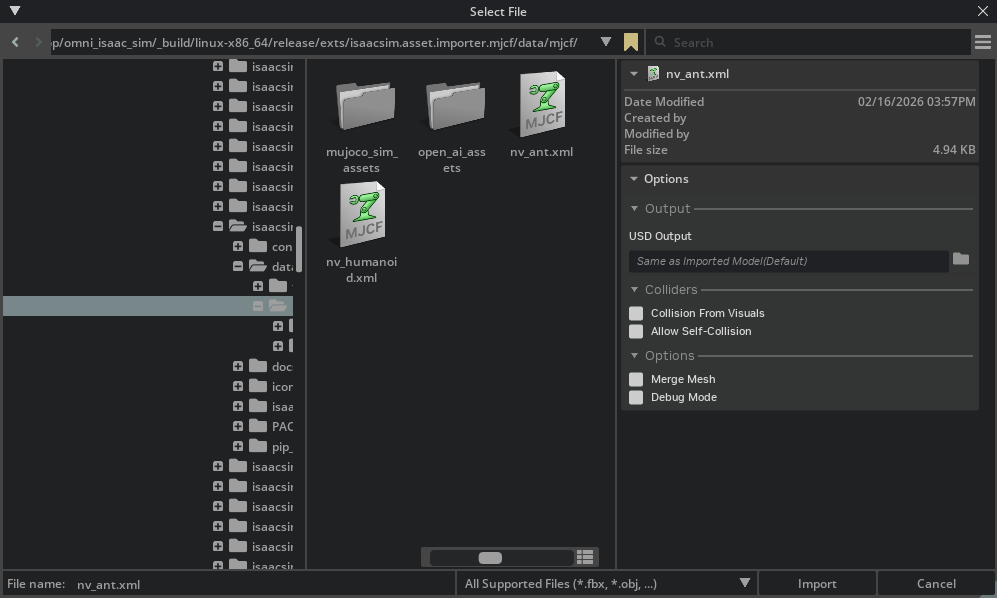
USD to URDF Exporter Extension
MJCF Importer Extension
Importers and Exporters
Tool Reference

Reference MJCF import settings and extension behavior.
MJCF Importer Extension
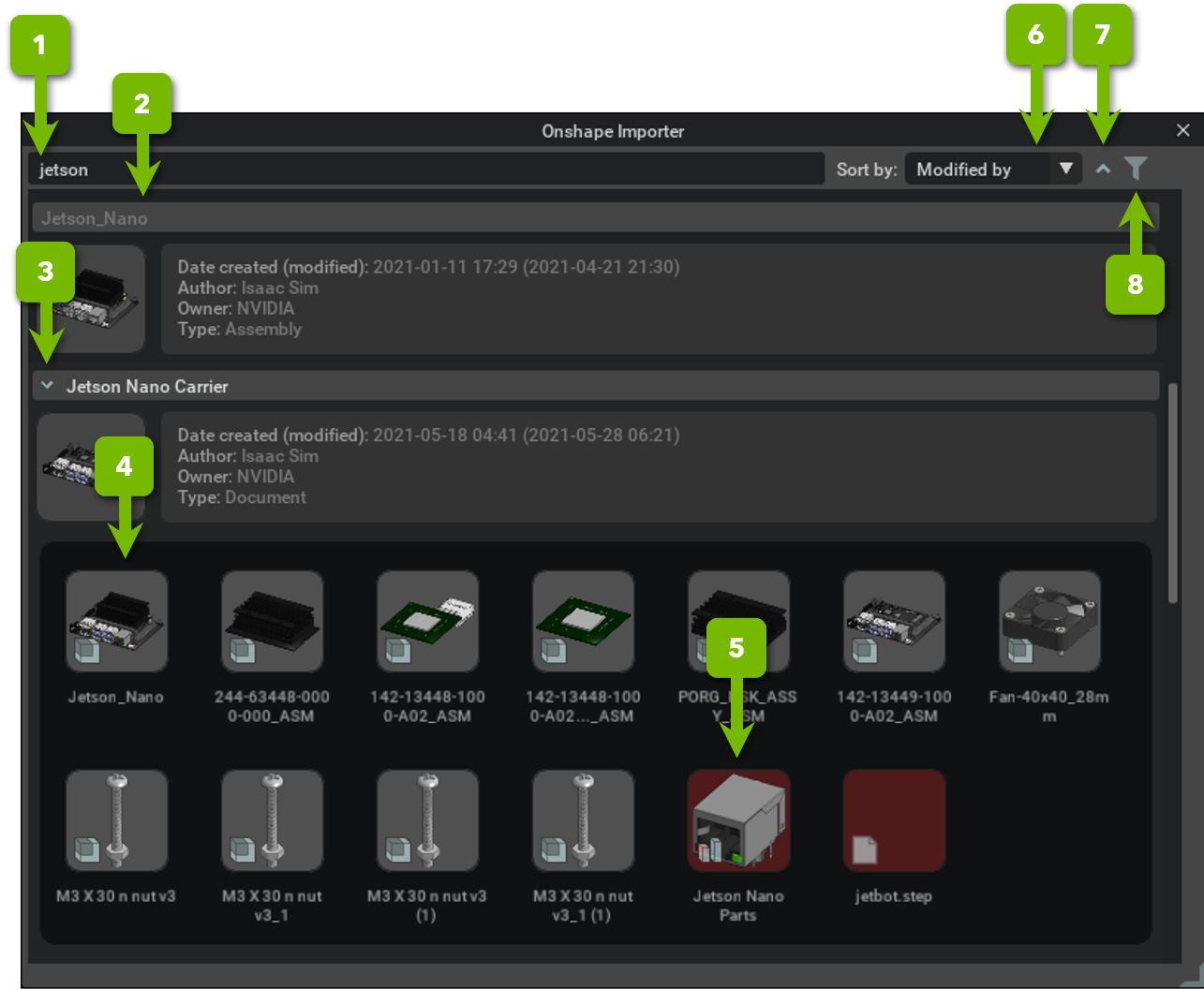
Onshape Importer
Importers and Exporters
Tool Reference

Import Onshape documents into USD.

https://docs.omniverse.nvidia.com/extensions/latest/ext_onshape.html
CAD Converter
Importers and Exporters
Tool Reference

Convert supported CAD formats to USD.

https://docs.omniverse.nvidia.com/extensions/latest/ext_cad-converter.html
ShapeNet Importer
Importers and Exporters
Deprecated
Tool Reference

Import ShapeNet models as ordinary OBJ files instead.

ShapeNet Importer
Formats
Importers and Exporters
Tool Reference

Reference the asset formats the Omniverse converters bring into USD.

Formats
Import URDF
Importers and Exporters
Tutorial

Convert URDF to USD through the UI, Python, a standalone script, or a ROS 2 node.

Tutorial: Import URDF
Export URDF
Importers and Exporters
Tutorial

Export a robot USD to URDF and validate its visual and collision mesh output.

Tutorial: Export URDF
Import MJCF
Importers and Exporters
Tutorial

Import MJCF models through the UI, API, or a standalone Python script.

Tutorial: Import MJCF
ShapeNet Importer
Importers and Exporters
Deprecated
Tutorial

Review the deprecated ShapeNet workflow and use standard OBJ import for new projects.

Tutorial: ShapeNet Importer

Robot Setup#

Robot Setup
Tutorial Series

Basic Stage and Robot Setup

Tutorial

Set up a physics-ready stage, assemble and articulate a basic robot, add a camera, and rig a wheeled robot.

View all 5 steps
  1. 01Stage Setup
  2. 02Assemble a Simple Robot
  3. 03Articulate a Basic Robot
  4. 04Add Camera and Sensors
  5. 05Rig a Mobile Robot
Tutorial Series

Setup a Manipulator

Tutorial

Import and assemble a UR10e manipulator, configure its physics and motion-planning data, then run pick-and-place examples.
View all 4 steps
  1. 01Setup a Manipulator
  2. 02Configure a Manipulator
  3. 03Generate Robot Configuration File
  4. 04Pick and Place Example
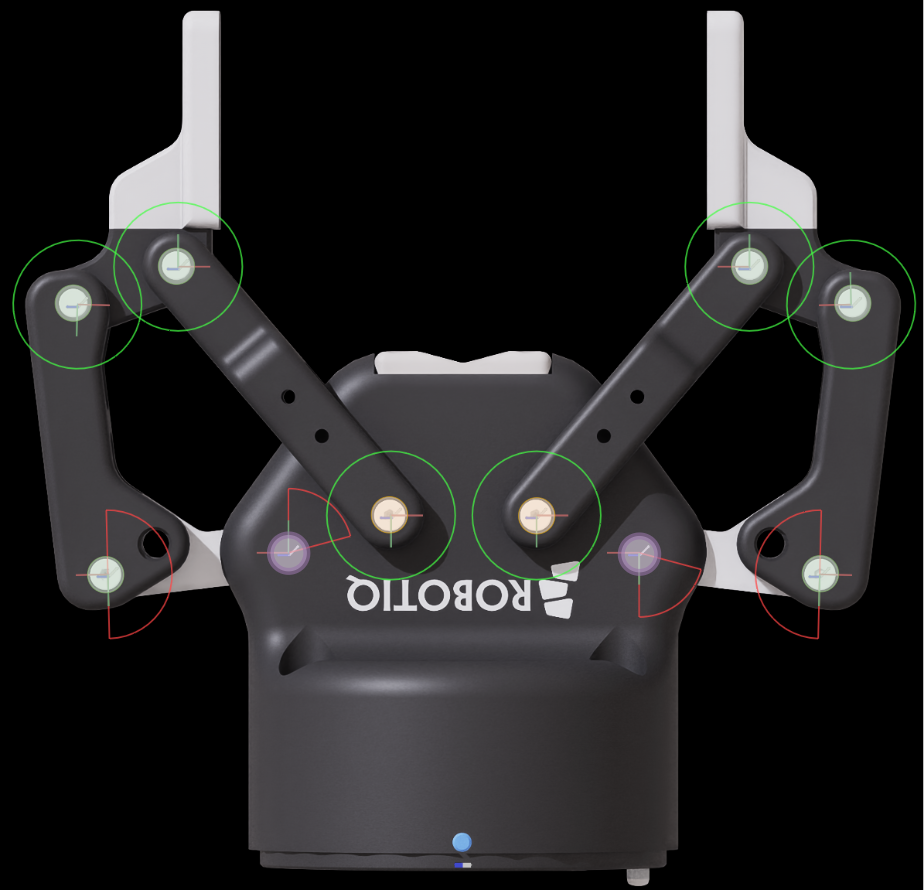
Setup a Closed-Loop Structure
Robot Setup
Tutorial

Rig and validate a closed-loop gripper structure with joints, mimic joints, and tests.

Tutorial 10: Rig Closed-Loop Structures
Setup a Legged Robot
Robot Setup
Tutorial

Rig H1 joint defaults to match a locomotion policy for an external controller such as ROS.

Tutorial 13: Rigging a Legged Robot for a Locomotion Policy
Tutorial Series

Setup a Dexterous Hand in Isaac Sim

Tutorial

Import, inspect, and tune the Inspire Hand so it moves with stable, critically damped motion.

View all 7 steps
  1. 01Setup
  2. 02Import Robot and USD Asset Structure
  3. 03Inspect Asset
  4. 04Collider Pairs
  5. 05Joint Drive Tuning
  6. 06Joint Gains Tuning
  7. 07Using the Dexterous Hand in Practice
Tutorial Series

Tuning and Optimization

Tutorial

Tune joint-drive gains, optimize robot assets, and identify simulation parameters from recorded or synthetic motion.

View all 4 steps
  1. 01Tuning Joint Drive Gains
  2. 02Asset Optimization
  3. 03Identify Franka System Parameters
  4. 04Validate Identification with Sim-to-Sim Recovery
Tutorial Series

Asset Transformer Tutorial Series

Tutorial

Transform assets with built-in profiles, then author, save, modify, and script rule profiles.

View all 5 steps
  1. 01Transform an Asset Using the Isaac Sim Structure Profile
  2. 02Creating a New Profile
  3. 03Saving a Profile
  4. 04Modifying a Rule Profile
  5. 05Adding an Asset Transform Pipeline Through Code
Editor Tools
Robot Setup
Tool Reference

Robot Assembler, Robot Poser, mesh merge, gain tuning, system identification, and self-collision tools.

Editor Tools
Robot Assembler
Robot Setup
Tool Reference

Attach two robots or rigid bodies with a fixed joint using the Robot Assembler tool.
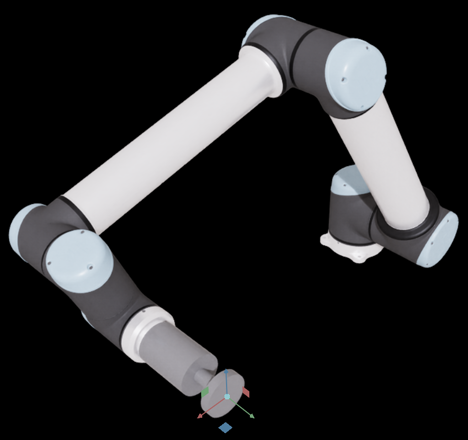
Robot Assembler
Surface Gripper Extension
Robot Setup
Tool Reference

Reference surface gripper setup, APIs, and OmniGraph nodes.

Surface Gripper Extension
Grasp Editor
Robot Setup
Tool Reference

Author, simulate, import, and export grasp files with the Grasp Editor.

Grasp Editor
Inspector Tools
Robot Setup
Tool Reference

Robot Inspector, Joint Inspector, Physics Inspector, and Simulation Data Visualizer references.

Inspector Tools
Robot Setup Tips for Newton
Robot Setup
Tool Reference

Import and author robot assets for Newton with the correct USD layers, physics attributes, and actuator formulation.

Robot setup tips and best practices for Newton
Robot Setup Troubleshooting
Robot Setup
Tool Reference

Troubleshoot reparenting, rigging, joint, and simulation issues in robot setup.

Robot Setup Troubleshooting
Asset Validation
Robot Setup
Tool Reference

Reference validation workflows for checking robot asset quality.

Asset Validation
Asset Transformer
Robot Setup
Tool Reference

Reference the Asset Transformer UI, rule profiles, reports, and actions.

Asset Transformer
Asset Transformer API
Robot Setup
Tool Reference

Covers programmatic Asset Transformer usage, API classes, and custom rule development.

Asset Transformer API
Asset Transformer Rules Reference
Robot Setup
Tool Reference

Reference every built-in Asset Transformer rule by package and function.

Asset Transformer Rules Reference
Asset Structure
Robot Setup
Developer Reference

Explain modular robot asset layers, including optional ROS integration stacks.

Asset Structure
Robot Schema
Robot Setup
Developer Reference

Explain Isaac Sim robot USD schemas and authored robot properties.

Robot Schema

Robot Simulation#

Robot Simulation
Overview
Robot Simulation
Tool Reference

Understand the controller hierarchy, robot types, and simulation guidance in this section.

Robot Simulation
Articulation Controller
Robot Simulation
Tool Reference

Reference Python and OmniGraph interfaces for joint position, velocity, and effort control.

Articulation Controller
Mobile Robot Controllers
Robot Simulation
Tool Reference

Explain differential, wheel base, and mobile robot controller concepts.

Mobile Robot Controllers
Robot Simulation Tips
Robot Simulation
Developer Reference

Best practices for simulation performance, time stepping, friction, grippers, colliders, and masses.

Robot Simulation Tips
Useful Links
Robot Simulation
Developer Reference

Find foundational simulation and Core API concepts used throughout robot simulation.

Useful Links

Newton Actuators#

Newton Actuators
Overview
Newton Actuators
Tool Reference

Understand Newton actuator models, construction paths, and current limitations.
Newton Actuators
Set Up Actuators from Python
Newton Actuators
Tool Reference

Build Newton actuator configurations in Python and drive a robot articulation.
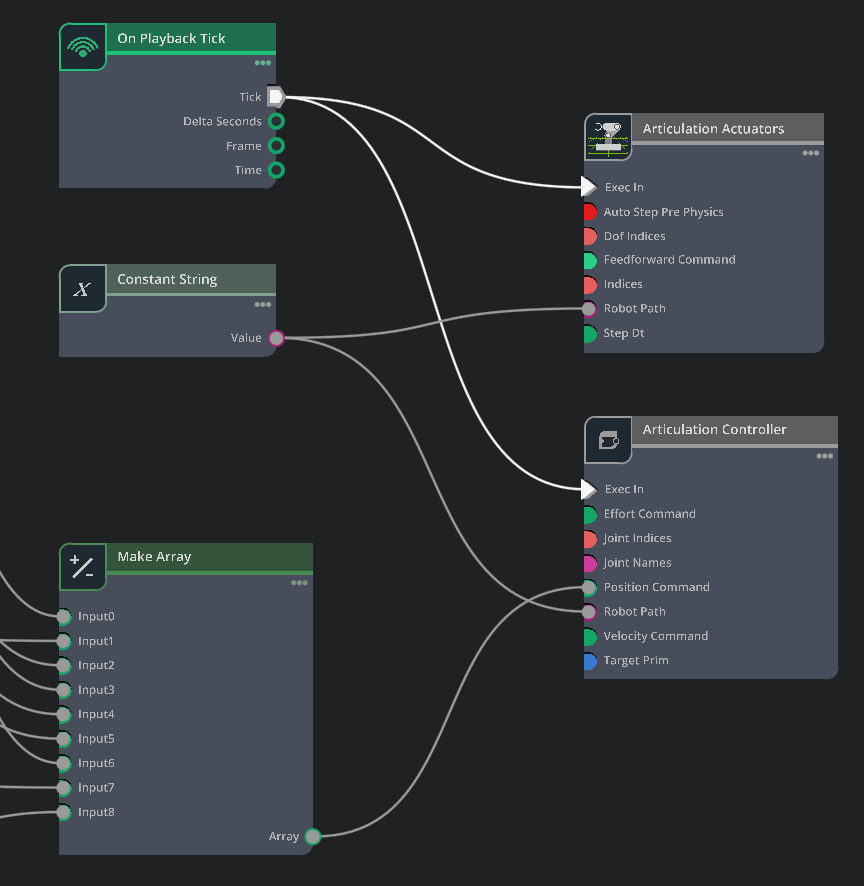
Set Up Actuators from Python
Author and Parse Actuators from USD
Newton Actuators
Tool Reference

Author portable Newton actuator prims in USD and discover them at runtime.

Author and Parse Actuators from USD
Author Actuators from UI
Newton Actuators
Tool Reference

Create Newton actuator prims and configure targets, controllers, and effort limits in the UI.

Author Actuators from UI
Drive an Actuated Robot from OmniGraph
Newton Actuators
Tool Reference

Drive USD-authored Newton actuators from an OmniGraph node.

Drive an Actuated Robot from OmniGraph
Tips
Newton Actuators
Tool Reference

Review common setup, debugging, and tuning considerations for Newton actuators.

Tips

Robot Motion#

Robot Motion
Overview
Robot Motion
Experimental
Tool Reference

Understand the unified motion API, controller integrations, and behavior-programming workflows.

Robot Motion (Experimental)
Quick Start
Robot Motion
Experimental
Tutorial

Get a wheeled robot or manipulator moving with a ready-made controller.

Quick Start
Related Pages

Motion Generation

ExperimentalTool Reference

Understand the Motion Generation API for reading scene data and controlling robot motion.

View all 3 steps
  1. 01Scene Interaction
  2. 02Controllers and the RobotState
  3. 03Trajectory Planning and Execution
Reference + Tutorials

Controllers

ExperimentalTool ReferenceTutorial

Reference, configure, and drive differential-drive, Ackermann, and holonomic mobile robot controllers.

View all 3 steps

  1. 01Differential Drive Tutorial
  2. 02Ackermann Tutorial
  3. 03Holonomic Tutorial
Reference + Tutorials

cuMotion Integration

ExperimentalTool ReferenceTutorial

Learn the cuMotion integration from robot configuration and world state through RMPflow, planning, and trajectory workflows.
View all 6 steps
  1. 01Robot Configuration Tutorial
  2. 02cuMotion World Interface Tutorial
  3. 03RMPflow Tutorial
  4. 04Graph-Based Motion Planner Tutorial
  5. 05Trajectory Generator Tutorial
  6. 06Trajectory Optimizer Tutorial
Reference + Tutorials

PINK Integration

ExperimentalTool ReferenceTutorial

Learn the PINK integration from robot configuration to inverse-kinematics control and weighted multi-task behaviors.

View all 3 steps
  1. 01Robot Configuration Tutorial
  2. 02IK Controller Tutorial
  3. 03Multi-Task Tutorial
Franka Pick and Place Example
Robot Motion
Tutorial

Run interactive and standalone Franka pick-and-place action sequences.

Franka Pick and Place Example
State Machines for Robot Behavior
Robot Motion
Experimental
Tutorial

Structure reactive manipulation tasks with a finite state machine, behavior tree, or declarative transitions.

State Machines for Robot Behavior
Robot Motion Generation
Robot Motion
Deprecated
Tool Reference

Legacy Lula motion-generation concepts, interfaces, tools, and tutorials. Use Robot Motion for new development.

Motion Generation (Deprecated)

Physics Simulation#

Physics Simulation
Overview
Physics
Tool Reference

Understand the simulation pipeline, supported physics backends, and engine integration architecture.
Physics
Physics Simulation Fundamentals
Physics
Tool Reference

Understand simulation timing, physics scenes, colliders, contacts, and materials.

Physics Simulation Fundamentals
Physics Data Flow and Engine Integration
Physics
Tool Reference

Follow physics data across USD, Fabric, tensors, and engine integrations.

Physics Data Flow and Engine Integration
Newton Physics Backend
Physics
Experimental
Tool Reference

Configure the Newton backend and understand its integration with Isaac Sim.

Newton Physics Backend
Hydroelastic Contact
Physics
Experimental
Tool Reference

Understand the Newton hydroelastic contact model, collision pipeline, and SDF parameters.

Hydroelastic Contact
Configure Hydroelastic Contact for a Nut-and-Bolt Assembly
Physics
Experimental
Tool Reference

Prepare and validate a threaded nut-and-bolt assembly for Newton hydroelastic contact.

Configure Hydroelastic Contact for a Nut-and-Bolt Assembly
Omniverse Physics and PhysX Limitations
Physics
Tool Reference

Review known PhysX engine limitations and available workarounds.
Omniverse™ Physics and PhysX SDK Limitations
Physics Simulation Management
Physics
Tool Reference

Manage simulation state, stepping, and physics-scene controls.

https://docs.omniverse.nvidia.com/kit/docs/omni_physics/latest/extensions/ux/source/omni.physx.ui/docs/dev_guide/sim_management.html
Physics Inspector
Physics
Tool Reference

Inspect articulation and joint properties from the Physics Inspector.
Physics Inspector
Physics Static Collision Extension
Physics
Tool Reference

Apply, remove, and visualize static collision APIs on stage geometry.

Physics Static Collision Extension
Simulation Data Visualizer
Physics
Tool Reference

Visualize runtime transforms, velocity, acceleration, mass, and inertia.

Simulation Data Visualizer
Physics Debug Window
Physics
Tool Reference

Inspect low-level PhysX simulation and debug visualization state.

https://docs.omniverse.nvidia.com/kit/docs/omni_physics/latest/extensions/ux/source/omni.physx.ui/docs/dev_guide/physics_debug_wnd.html

Camera Sensors#

Camera Sensors
Overview
Camera Sensors
Experimental
Tool Reference

Understand camera creation, calibration, rendering, annotators, and available camera models.

Camera Sensors
Depth Sensors
Camera Sensors
Experimental
Tool Reference

Create and use single-view stereoscopic depth camera sensors.

Depth Sensors
Structured Light Cameras
Camera Sensors
Experimental
Tool Reference

Author structured-light projectors and acquire their rendered camera data.

Structured Light Cameras
Authoring a Camera Sensor USD Asset
Sensor Authoring
Tutorial

Build a reusable USD camera sensor with distortion, outputs, tick rates, and resolution variants.

Authoring a Camera Sensor USD Asset

RTX Sensors#

RTX Sensors
Overview
RTX Sensors
Experimental
Tool Reference

Understand RTX sensor simulation, shared settings, data channels, timing, and migration guidance.

RTX Sensors
RTX Lidar Sensor
RTX Sensors
Experimental
Tool Reference

Configure and use RTX lidar sensors and point-cloud output.

RTX Lidar Sensor
RTX Radar Sensor
RTX Sensors
Experimental
Tool Reference

Configure RTX radar sensors, motion BVH, and radar point-cloud output.

RTX Radar Sensor
RTX Acoustic Sensor
RTX Sensors
Experimental
Tool Reference

Configure acoustic sensors and consume signal-way output.

RTX Acoustic Sensor
RTX Sensor Annotators
RTX Sensors
Experimental
Tool Reference

Extract point clouds, scan buffers, and raw RTX sensor data.
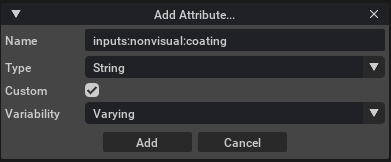
RTX Sensor Annotators
RTX Sensor Non-Visual Materials
RTX Sensors
Experimental
Tool Reference

Add non-visual material attributes used by RTX sensors.

RTX Sensor Non-Visual Materials
Multi-Tick Rendering
RTX Sensors
Experimental
Tool Reference

Coordinate independent sensor render rates with simulation timing.

Multi-Tick Rendering
Creating Custom RTX Sensor Profiles
RTX Sensors
Experimental
Tool Reference

Create and tune custom RTX lidar and radar sensor profiles.

Creating Custom RTX Sensor Profiles

Physics-based Sensors#

Physics-based Sensors
Overview
Physics-based Sensors
Experimental
Tool Reference

Understand exact physics measurements, sensor update rates, interpolation, and migration guidance.

Physics-based sensors
Articulation Joint Sensors
Physics-based Sensors
Experimental
Tool Reference

Read incoming and projected articulation joint forces.
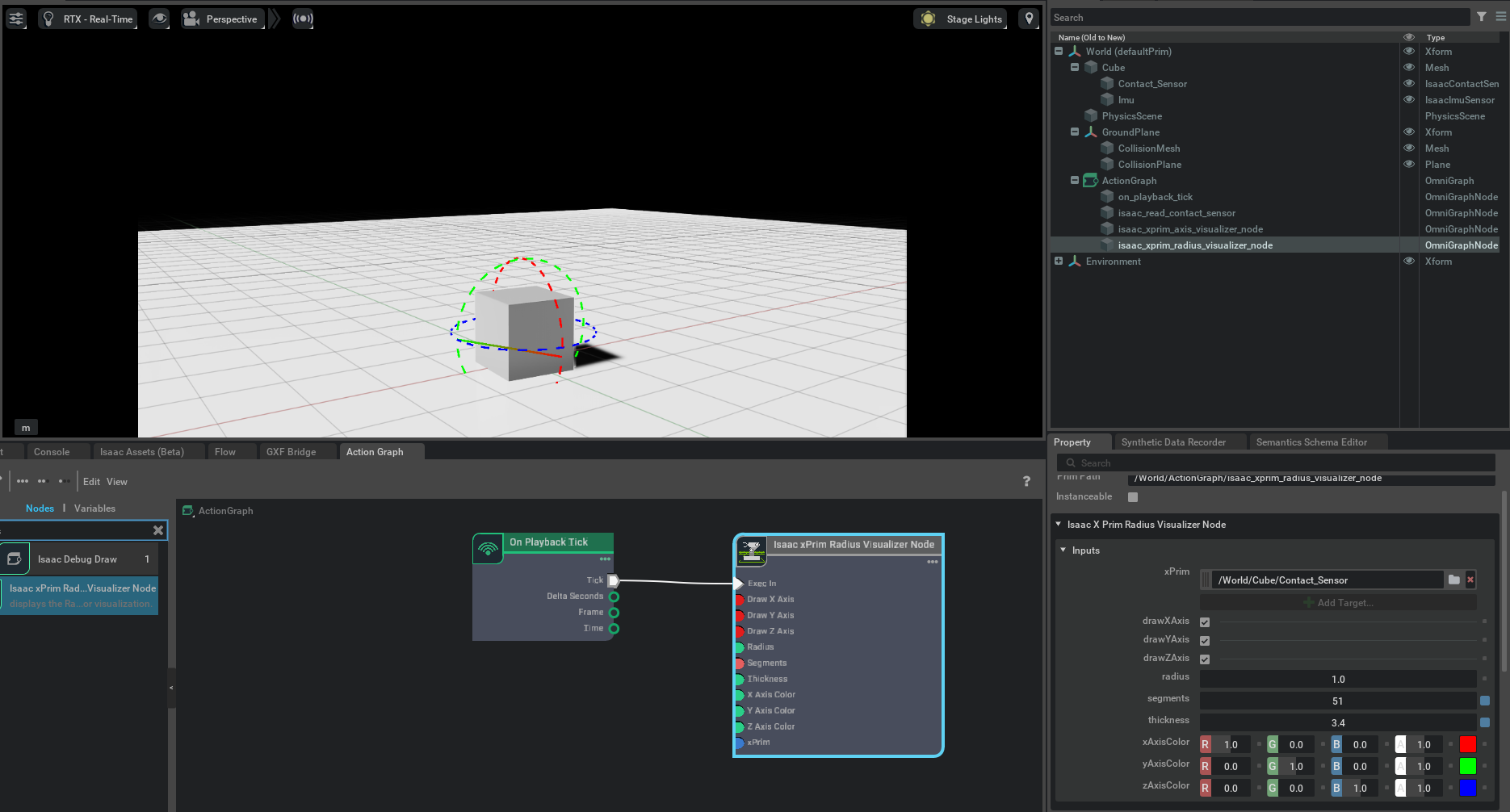
Articulation joint sensors
Contact Sensor
Physics-based Sensors
Experimental
Tool Reference

Create contact sensors and read contact-force measurements.

Contact sensor
Effort Sensor
Physics-based Sensors
Experimental
Tool Reference

Read simulated effort measurements from articulation joints.

Effort sensor
IMU Sensor
Physics-based Sensors
Experimental
Tool Reference

Configure IMU sensors and read filtered inertial measurements.

IMU sensor
Joint State Sensor
Physics-based Sensors
Experimental
Tool Reference

Read articulation position, velocity, and effort state.

Joint state sensor
Physics Raycast Sensor
Physics-based Sensors
Experimental
Tool Reference

Author ray patterns and read exact physics raycast hits.

Physics raycast sensor
Sensor Schema
Physics-based Sensors
Tool Reference

Reference USD attributes for contact, IMU, raycast, and deprecated sensor schemas.

Sensor Schema
Sensor References

PhysX SDK Sensors

DeprecatedTool Reference

Legacy PhysX generic, lidar, lightbeam, and proximity sensor references.

View all 4 steps
  1. 01Generic Sensor
  2. 02PhysX Lidar
  3. 03PhysX Lightbeam Sensor
  4. 04Proximity Sensor

Development Tools#

Development Tools
Development Methods
Development Tools
Developer Reference

Compare GUI, Extension, and Standalone Python development methods and understand how they combine.

Development Methods
Visual Studio Code (VS Code)
Development Tools
Developer Reference

Execute Python on a running Isaac Sim instance directly from VS Code.

Visual Studio Code (VS Code)
Python Server (Remote Code Execution)
Development Tools
Developer Reference

TCP server that executes Python remotely inside a running Isaac Sim instance.

Python Server (Remote Code Execution)
Jupyter Notebook
Development Tools
Developer Reference

Edit and execute Python interactively in Jupyter attached to Isaac Sim.

Jupyter Notebook
Omniverse Script Editor
Development Tools
Developer Reference

Run Python snippets against the stage in the built-in Script Editor.

Omniverse Script Editor
Isaac Sim MCP Server
Development Tools
Developer Reference

MCP server that gives AI assistants Isaac Sim knowledge via semantic search.

Isaac Sim MCP Server
Agent Skills
Development Tools
Developer Reference

Version-controlled workflow guides that teach AI coding agents Isaac Sim tasks.

Agent Skills
Modify Carb Settings
Development Tools
Developer Reference

Covers four ways to change Carb settings that configure default behaviors.
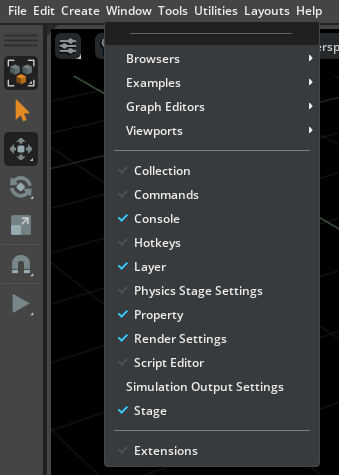
Modify Carb Settings
Adding and Updating Extensions Guide
Development Tools
Developer Reference

Add local extension paths or registries and update installed extensions.

Adding and Updating Extensions Guide

Python Scripting#

Python Scripting
Python Environment
Python Scripting
Developer Reference

Explains python.sh internals, standalone script execution, and Python development resources.

Python Environment
Scene Setup Snippets
Python Scripting
Developer Reference

Create rigid prims, views, physics scenes, collisions, materials, and transforms with Python snippets.

Scene Setup Snippets and Examples
Util Snippets
Python Scripting
Developer Reference

Run utility snippets for async tasks, camera parameters, and point rendering.

Util Snippets
Robot Simulation Snippets
Python Scripting
Experimental
Developer Reference

Wrap articulations and query or control robot DOF state with experimental prim APIs.

Robot Simulation Snippets

OmniGraph#

OmniGraph
Overview
OmniGraph
Tool Reference

Understand OmniGraph visual programming, compute graphs, and how to work with the graph editor in Isaac Sim.
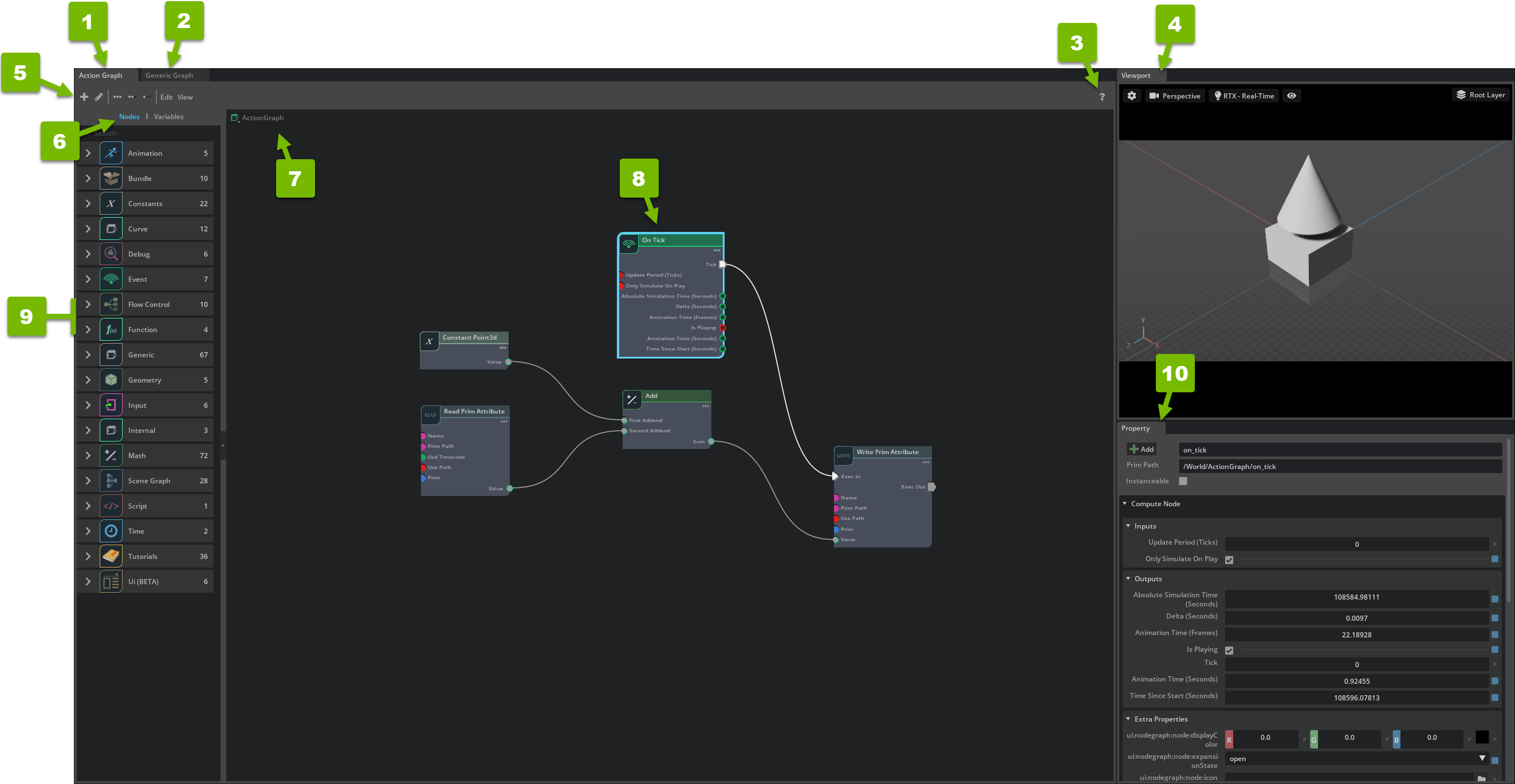
OmniGraph
OmniGraph Interface
OmniGraph
Tool Reference

The Omniverse reference for the OmniGraph editor interface.

https://docs.omniverse.nvidia.com/extensions/latest/ext_omnigraph/interface.html
OmniGraph Core Concepts
OmniGraph
Tool Reference

The Omniverse reference for OmniGraph core concepts.
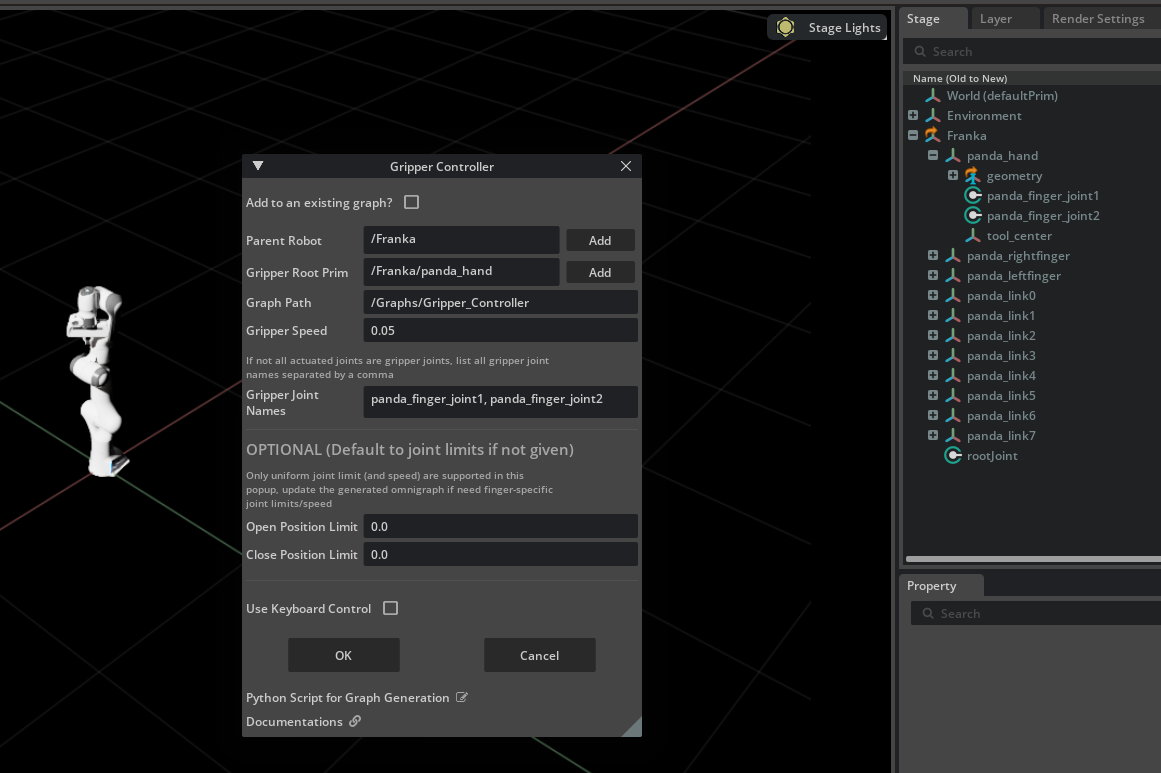
https://docs.omniverse.nvidia.com/extensions/latest/ext_omnigraph/getting-started/core_concepts.html
Commonly Used OmniGraph Shortcuts
OmniGraph
Tool Reference

Look up frequently used Isaac Sim OmniGraph nodes and shortcuts.

Commonly Used OmniGraph Shortcuts
Custom Python Nodes
OmniGraph
Tool Reference

Write, register, and test custom OmniGraph nodes in Python.

Custom Python Nodes
Custom C++ Nodes
OmniGraph
Tool Reference

Write, build, and register custom OmniGraph nodes in C++.

Custom C++ Nodes
Building Custom IPC OmniGraph Nodes
OmniGraph
Tool Reference

Stream data between Isaac Sim and external processes with custom IPC nodes.

Building Custom IPC OmniGraph Nodes
Built-In Nodes for Data in and Out
OmniGraph
Tool Reference

Use the built-in IPC nodes to move data in and out of a graph.

Built-In Nodes for Data in and Out
Additional OmniGraph Resources
OmniGraph
Tool Reference

The full Omniverse OmniGraph extension documentation.
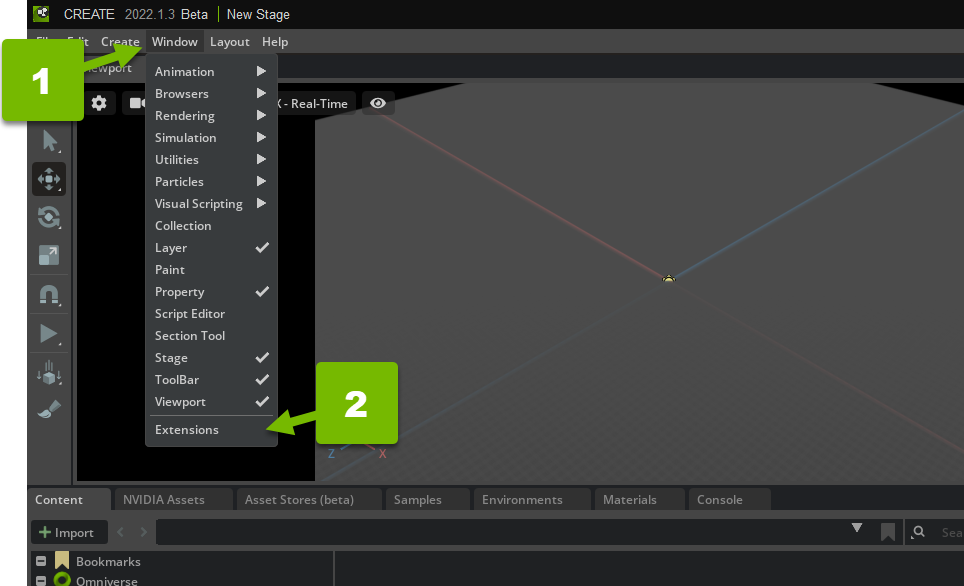
https://docs.omniverse.nvidia.com/extensions/latest/ext_omnigraph.html
Basic OmniGraph Tutorial
OmniGraph
Tutorial

A gentle Omniverse introduction to building your first graph.

https://docs.omniverse.nvidia.com/extensions/latest/ext_omnigraph/tutorials/gentle_intro.html
Isaac Sim OmniGraph Tutorial
OmniGraph
Tutorial

Build an Isaac Sim action graph controlling a robot step by step.

Isaac Sim OmniGraph Tutorial
OmniGraph via Python Scripting Tutorial
OmniGraph
Tutorial

Author and drive OmniGraph graphs from Python scripts.

OmniGraph via Python Scripting Tutorial

External Interfaces#

External Interfaces
ZeroMQ Bridge
External Interfaces
Tool Reference

Stream simulation data to an external Python process and send commands back over ZeroMQ.

ZeroMQ Bridge

Templates#

Templates
Overview
Templates
Developer Reference

Choose among CLI, UI, and VS Code generators for extension projects, or start a standalone project from the bundled examples.

Templates
CLI Extension Templates
Templates
Developer Reference

Scaffold Python, UI, C++, and OmniGraph extensions with repo.sh templates.

CLI extension templates
Extension Template Generator
Templates
Deprecated
Developer Reference

Deprecated UI-based generator that scaffolds UI extension projects from built-in templates.

Extension Template Generator
Advanced Extension Template Generator from VS Code
Templates
Developer Reference

Generate advanced Isaac Sim extension templates from the VS Code extension.

Advanced Extension Template Generator from VS Code

Debugging and Profiling#

Debugging and Profiling
Debug Drawing Extension API
Debugging and Profiling
Developer Reference

Draw persistent debug lines and points that stay visible across frames.

Debug Drawing Extension API
Omniverse Commands Tool Extension
Debugging and Profiling
Developer Reference

Shows the Python command behind each UI operation in the Commands window.

Omniverse Commands Tool Extension
Commands and Actions
Debugging and Profiling
Developer Reference

Find registered Kit commands and actions and call them from Python.

Commands
Debugging With Visual Studio Code
Debugging and Profiling
Developer Reference

Debug standalone scripts, Docker scripts, and running Isaac Sim apps in VS Code.

Debugging With Visual Studio Code
Profiling Performance Using Tracy
Debugging and Profiling
Developer Reference

Profile Isaac Sim with Tracy and add Python or C++ profiling zones.

Profiling Performance Using Tracy

Other Tools#

Other Tools
NVIDIA cuOpt
Other Tools
Tool Reference

Run cuOpt warehouse logistics examples and create routing networks.

NVIDIA cuOpt
Tutorial Series

Isaac Cortex Tutorial Series

DeprecatedTutorial

Learn the deprecated Cortex behavior framework, then build reactive manipulation examples and Cortex-based extensions.

View all 5 steps
  1. 01Decider Networks
  2. 02Behavior Examples: Peck Games
  3. 03Walkthrough: Franka Block Stacking
  4. 04Walkthrough: UR10 Bin Stacking
  5. 05Building Cortex Based Extensions
Occupancy Map
Other Tools
Tool Reference

Generate occupancy maps and heightmaps from physics collision geometry.

Occupancy Map
Live Camera Streaming over RTSP
Other Tools
Tool Reference

Stream simulated camera render products over RTSP to standard clients.

Live Camera Streaming over RTSP

previous

Standalone Examples Reference List

next

GUI

On this page
  • GUI
  • Importers and Exporters
  • Robot Setup
  • Robot Simulation
  • Newton Actuators
  • Robot Motion
  • Physics Simulation
  • Camera Sensors
  • RTX Sensors
  • Physics-based Sensors
  • Development Tools
  • Python Scripting
  • OmniGraph
  • External Interfaces
  • Templates
  • Debugging and Profiling
  • Other Tools
NVIDIA NVIDIA
Privacy Policy | Your Privacy Choices | Terms of Service | Accessibility | Corporate Policies | Product Security | Contact

Copyright © 2023-2026, NVIDIA Corporation.

Last updated on Sep 10, 2026.