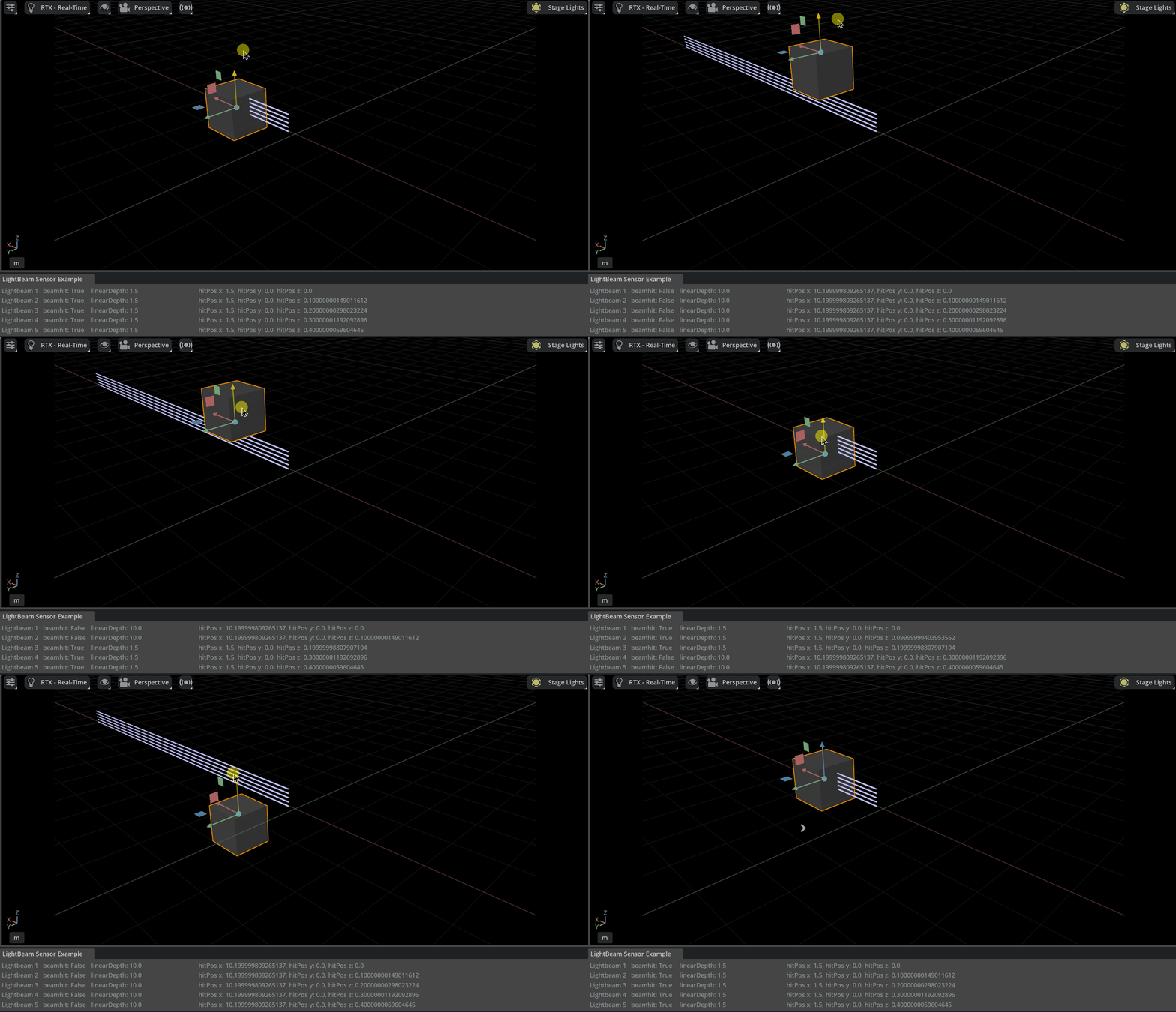
PhysX SDK lightbeam sensor#
Deprecated since version 6.0: The PhysX SDK sensor extensions (isaacsim.sensors.physx) are deprecated. Use
isaacsim.sensors.experimental.physics.RaycastSensor as the replacement for raycast-based sensing.
For lightbeam/safety-curtain specific functionality, consider using the RaycastSensor with
appropriate configuration.
See PhysX Lightbeam for step-by-step migration instructions, or the isaacsim.sensors.experimental.physics API Documentation for the replacement APIs.
The PhysX SDK lightbeam sensor in Isaac Sim uses PhysX SDK raycasts to determine if an object has intersected a light beam. You can specify the number of rays and height to create a safety light “curtain” of lightbeam sensors.
See the Isaac Sim Conventions documentation for a complete list of Isaac Sim conventions.
Examples#
PhysX SDK Lightbeam Sensor example: Robotics Examples > Sensors > Lightbeam
To run the example:
Activate Robotics Examples tab from Windows > Examples > Robotics Examples.
Click Robotics Examples > Sensors > Lightbeam.
Verify that you have a window containing empty data for each lightbeam, which populates with data after you press Play. It shows if each beam was hit, the linear depth of the hit, and the exact hit position in
xyz.Press the Play button to begin simulating.
Press
SHIFT + LEFT_CLICKto drag the cube or sensor around and see changes in the readings.