


[isaacsim.examples.extension] Generate Extension#
Warning
Deprecation: Extension deprecated since Isaac Sim 6.0.0. Use the repo template system instead
Version: 2.3.0
Overview#
Deprecated since version 6.0.0: This extension is deprecated. Use the repo.{sh,bat} template system instead:
./repo.sh template new
The CLI-based template system provides the same extension scaffolding capabilities with better maintainability, no runtime dependencies, and support for the latest extension conventions.
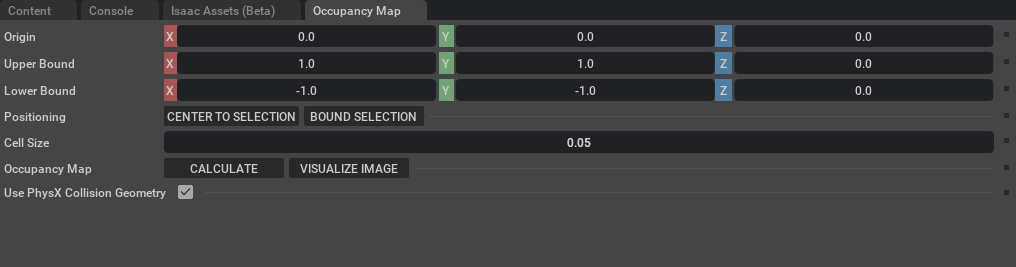
The isaacsim.examples.extension provided a UI-based code generation tool for creating Isaac Sim extension templates. It offered a window inside Isaac Sim that generated boilerplate code and directory structures for different workflow types.
Migration#
Replace all usage of this extension with the CLI Extension Templates (./repo.sh template new),
which will interactively prompt for the extension name, description, and template type.
Legacy Functionality#
The extension created a dockable window with forms that allowed developers to generate four different types of extension templates:
Configuration Tooling Template - For building configuration-based workflow extensions
Loaded Scenario Template - For creating scenario loading and management extensions
Scripting Template - For developing script-based automation extensions
UI Component Library Template - For building reusable UI component extensions
Key Components#
TemplateGenerator#
The TemplateGenerator class handled the core template generation functionality. It managed file system operations including directory creation, template file copying, and keyword replacement within template files.
Enable Extension#
The extension can be enabled (if not already) in one of the following ways:
Define the next entry as an application argument from a terminal.
APP_SCRIPT.(sh|bat) --enable isaacsim.examples.extension
Define the next entry under [dependencies] in an experience (.kit) file or an extension configuration (extension.toml) file.
[dependencies]
"isaacsim.examples.extension" = {}
Open the Window > Extensions menu in a running application instance and search for isaacsim.examples.extension.
Then, toggle the enable control button if it is not already active.