


Sensor Assets#
Select a sensor family, then compare digital twins by manufacturer, USD path, and specifications.
Isaac Sim includes sensor assets that reproduce the hardware configurations you plan to deploy.
Find hardware digital twins in the Content Browser under Isaac Sim/Sensors, then use the family
tabs to compare every model without leaving the catalog.
The camera, depth, RTX lidar, and RTX radar catalogs list assets registered by
isaacsim.sensors.experimental.rtx. Counts refer to asset entries, including the NVIDIA
example configurations; one family asset can provide multiple hardware models through variants.
Camera and depth entries are grouped by hardware type. Check each asset’s notes for simulation
output limitations. Tactile and IMU entries use their respective sensor integrations.
Sensor families#
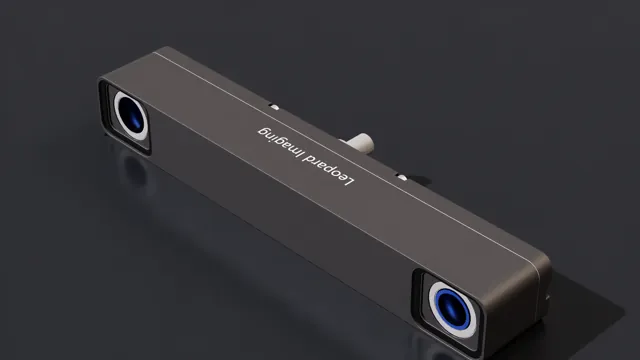
RGB, stereo, and fisheye cameras from Leopard Imaging, Sensing, and SICK.
Stereo, time-of-flight, and structured-light depth cameras from five manufacturers.
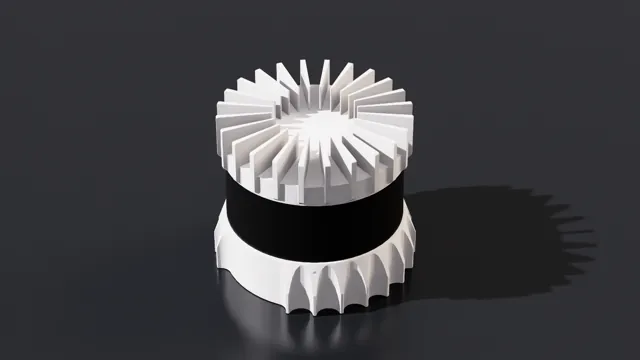
Rotary and solid-state lidar digital twins, certified profiles, and USD variants.
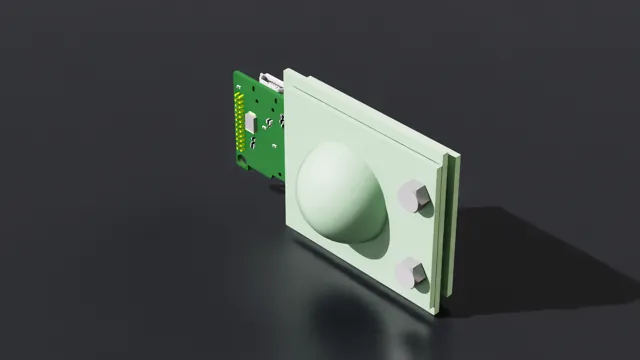
Millimeter-wave radar digital twins and modeled hardware characteristics.
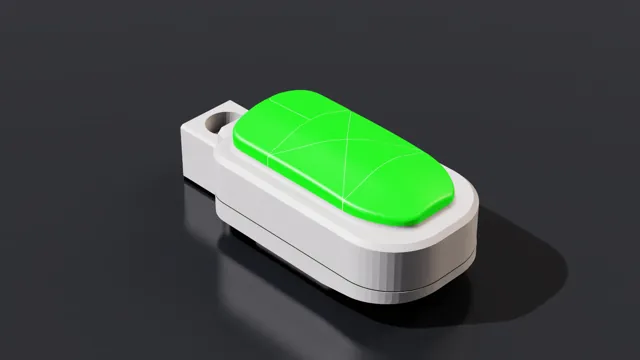
Multi-channel proximity, force, direction, and raw-capacitance sensing, plus per-taxel force arrays.
Automotive accelerometer and gyroscope models from STMicroelectronics.
Sensor implementations without hardware digital twins
Some simulated sensor types are created directly from the GUI rather than loaded as hardware digital twins: