


Simulating a dexterous hand in Isaac Sim#
This tutorial series teaches you how to tune robotic assets in NVIDIA Isaac Sim so that simulated robots behave realistically. Rigging and tuning a complex asset — such as a dexterous hand — is foundational to robot learning and simulation. Incorrect collision meshes, mass properties, or joint parameters can make an asset unstable, inaccurate, and unusable for training and validation.
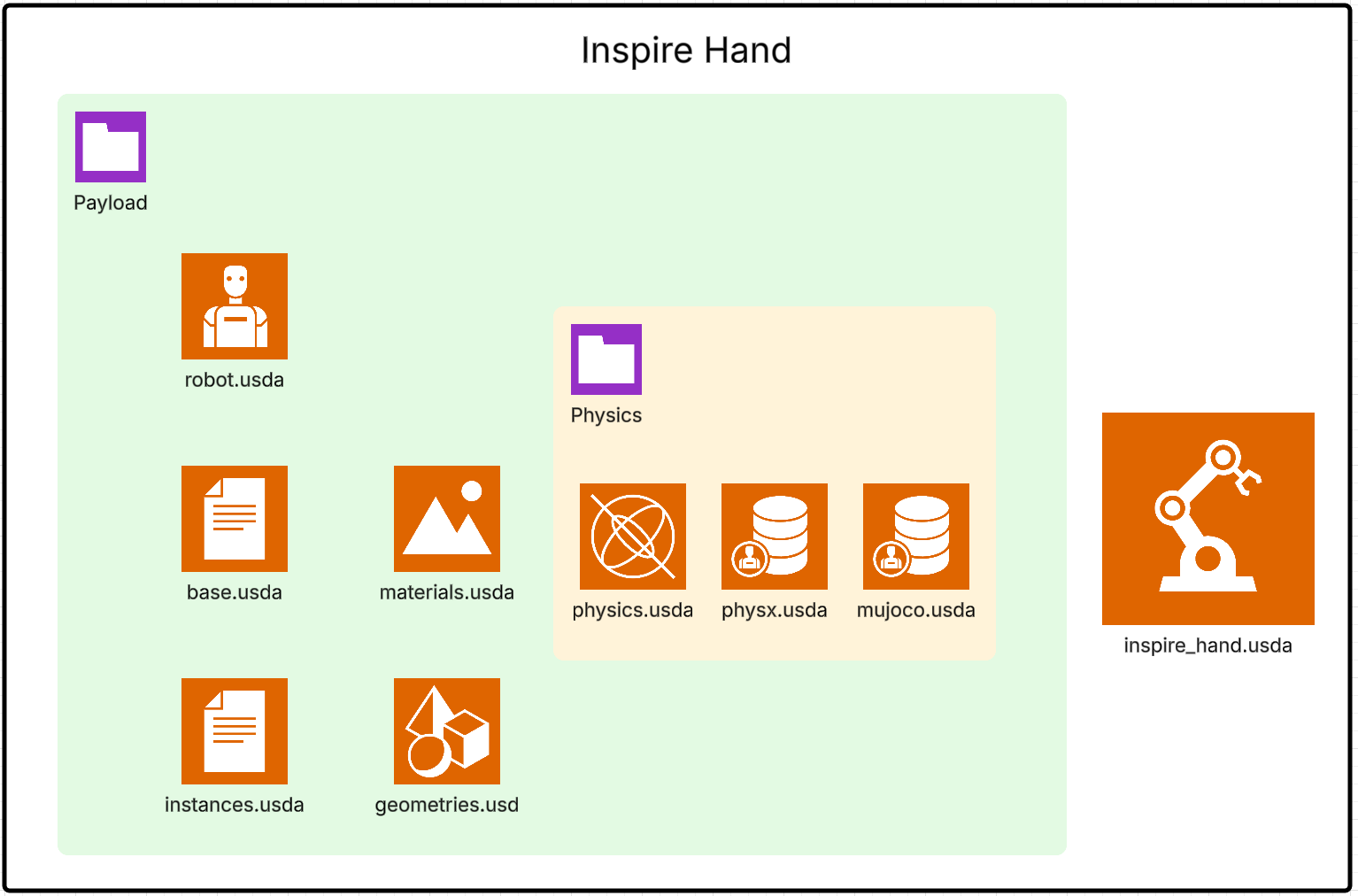
You work hands-on with the Inspire Hand asset to import a Unified Robot Description Format (URDF) robot, inspect its OpenUSD asset structure, apply performance and stability best practices, and tune joint parameters and control gains for stable, critically damped motion.
The series takes approximately 60–90 minutes to complete.
Learning Objectives#
By the end of this series, you will be able to:
Explain the end-to-end process for inspecting and preparing robot USD assets for simulation.
Apply best practices to optimize the robot USD for performance and stability.
Tune joint parameters and control gains to achieve stable, critically damped, and realistic robot motion in simulation.
You start by importing the robot and inspecting its OpenUSD structure. You then configure collision filters to manage self-collision and tune joint drive limits, stiffness, and damping. By the end, you will have a stable robotic hand that you can attach to an arm for a grasping controller.
Tutorials in this series#
To get started, see Setup.