
Prop Assets#
Populate robotics scenes with character assets and configurable visual markers.
Character paths on this page are relative to the Isaac Sim folder in the Content Browser.
Rigged people for populated indoor and industrial scenes.
Configurable materials for perception and tracking workflows.
Characters#
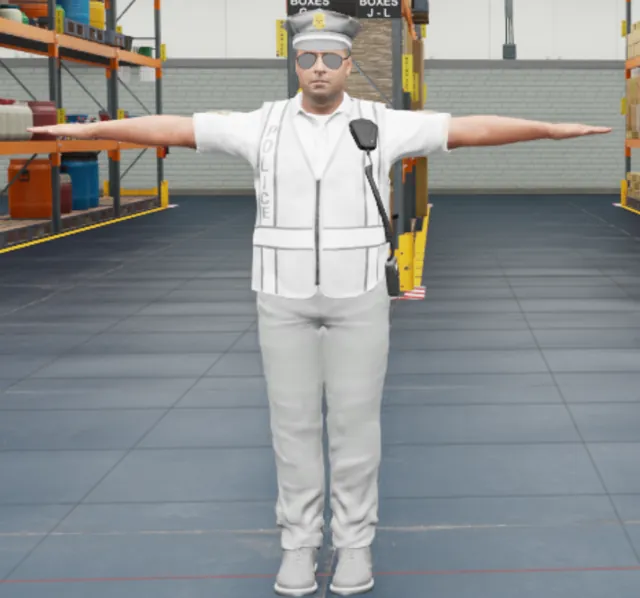
Police uniform with a retargeted skeleton.
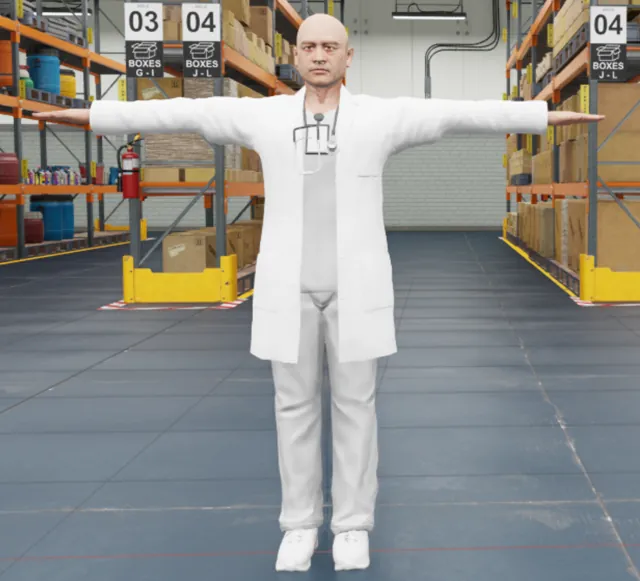
Medical uniform with a retargeted skeleton.
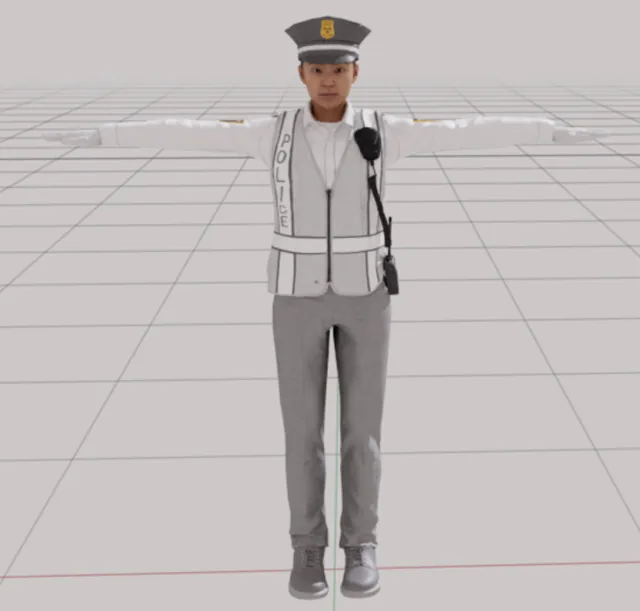
Police uniform with a retargeted skeleton.
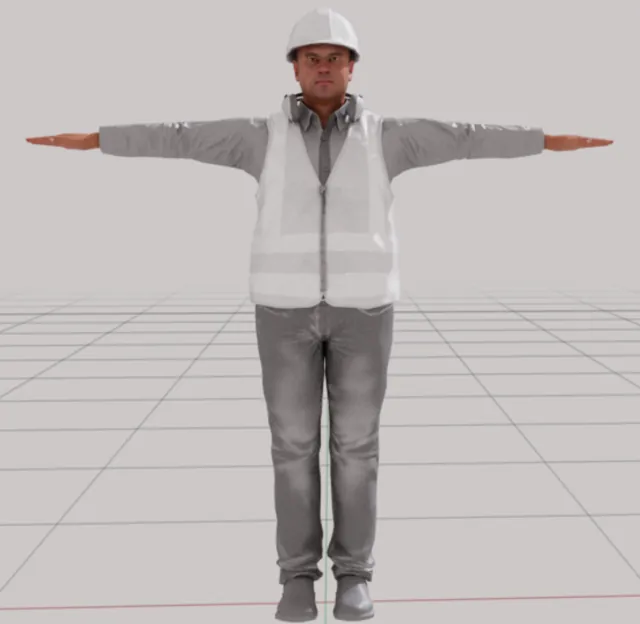
Construction uniform with a retargeted skeleton.
Visual Markers#
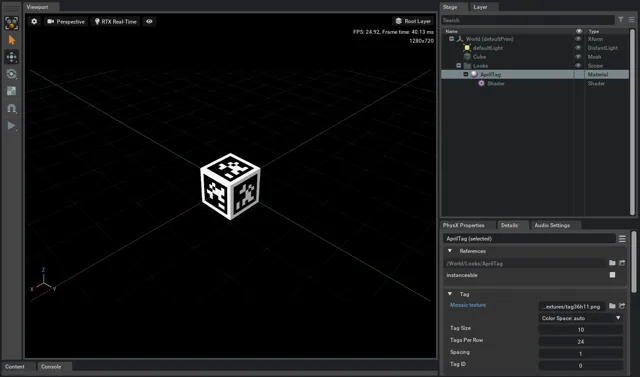
Select a tag from a configurable AprilTag texture mosaic.
Customize character materials#
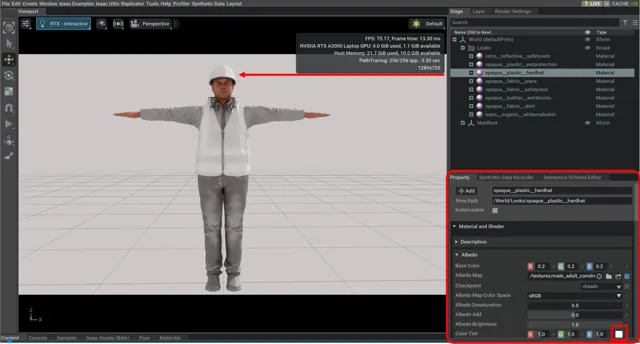
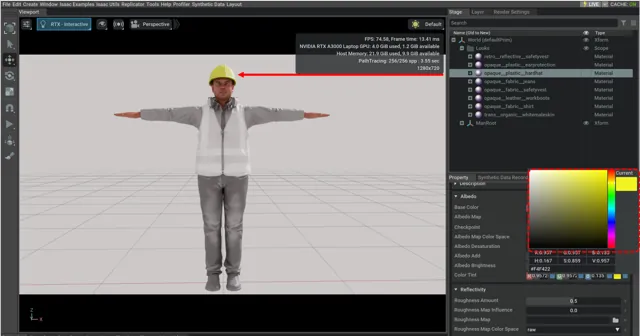
Change clothing colors by editing the character’s material properties. This example changes the
male_adult_construction_03 safety hat:
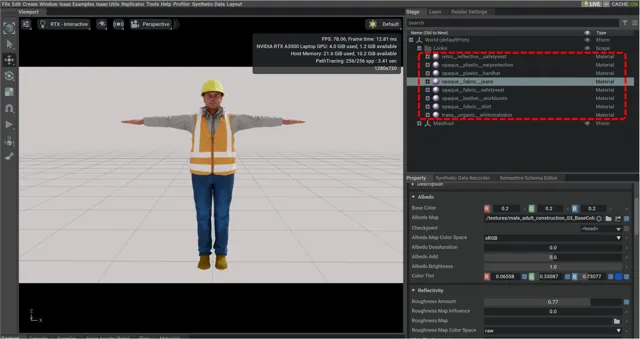
Expand the character in the Stage and open its
Looksscope, such as/World/male_adult_construction_03/Looks.Select the target material, such as
opaque__plastic__hardhat.Change Property > Material and Shader > Albedo > Color Tint.