
Isaac Sim Assets#
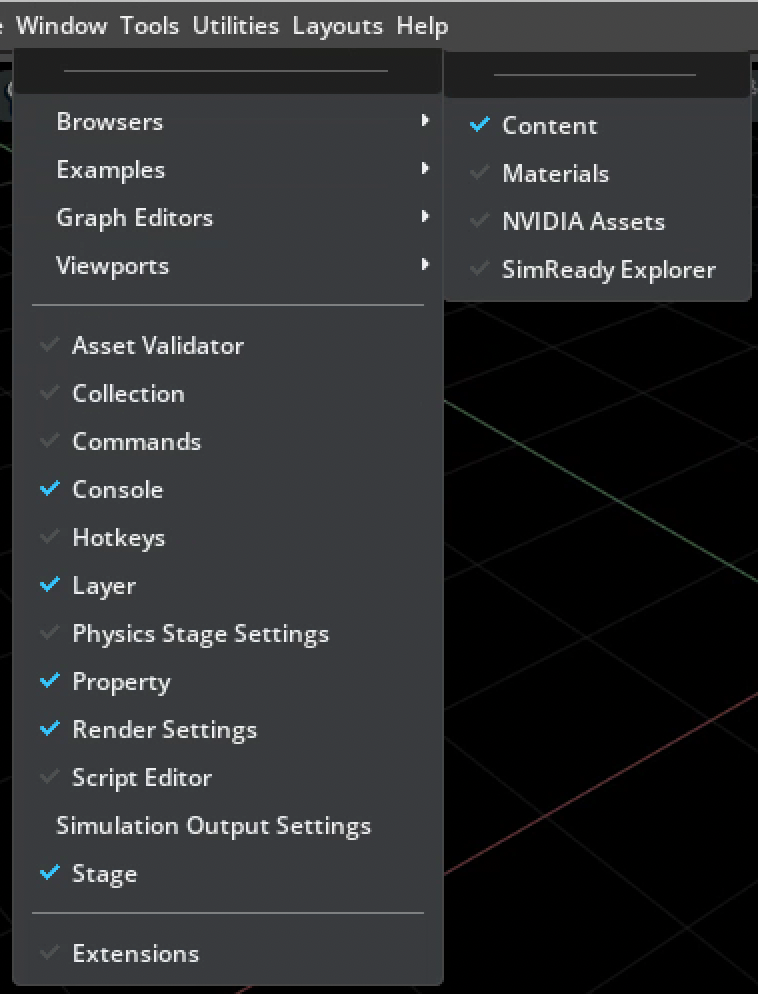
The Content Browser provides the assets and supporting files included with Isaac Sim, including URDF files, configuration files, and policy binaries. Open Window > Browsers > Content to browse the installed catalog.
Use SimReady Explorer to browse simulation-ready assets and inspect their metadata.
Download the sample content with the Latest Release, then store it on a local disk or
Nucleus server. Unless noted otherwise, every path in this catalog is relative to the asset root in
the persistent.isaac.asset_root.default setting. See Local asset packs.
Note
This catalog reflects the default Asset Region Profile. Other Asset Region Profiles might not provide every asset or dependency listed here. See Asset Region Profiles for profile selection and availability information.
Note
The first load can take longer while Isaac Sim caches asset dependencies. Robots can take several minutes to load, and large environments can take ten minutes or more.
Browse the catalog#
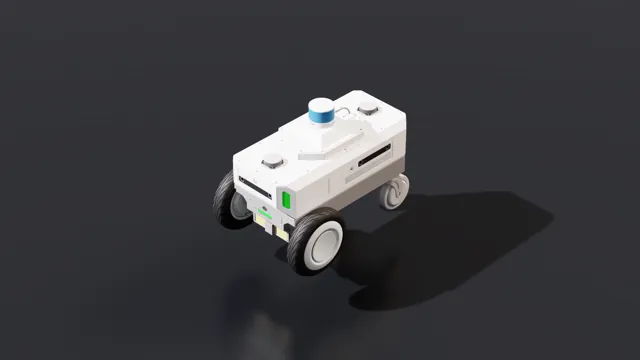
Compare robots by form factor, manufacturer, USD path, physics APIs, sensors, and license.
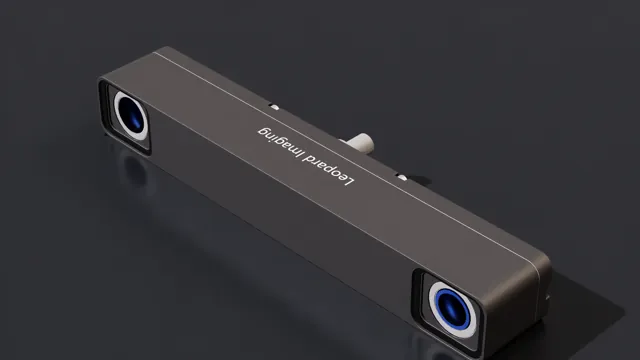
Browse camera, depth, lidar, radar, tactile, and IMU sensor models with specifications.
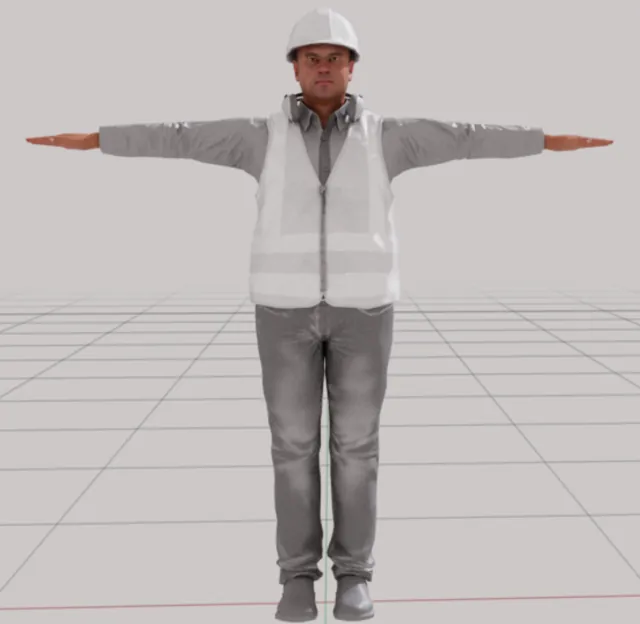
Find characters and visual markers for populating robotics scenes and workflows.
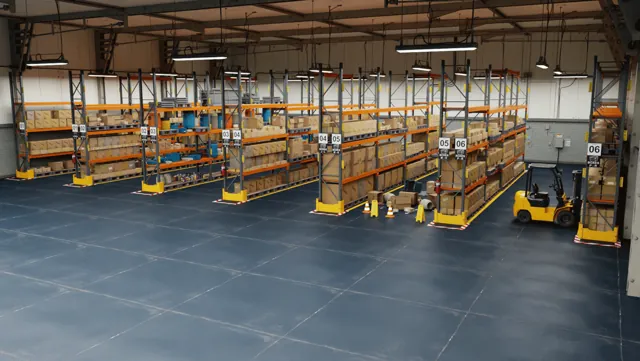
Choose grid rooms, warehouses, hospitals, offices, tracks, and digital-twin scenes.
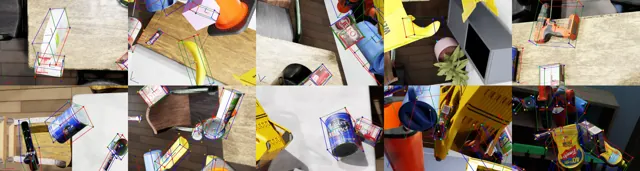
Discover compatible USD catalogs, articulated-object datasets, and scene libraries.

Turn captured objects and scenes into USD assets with reconstruction and NuRec workflows.
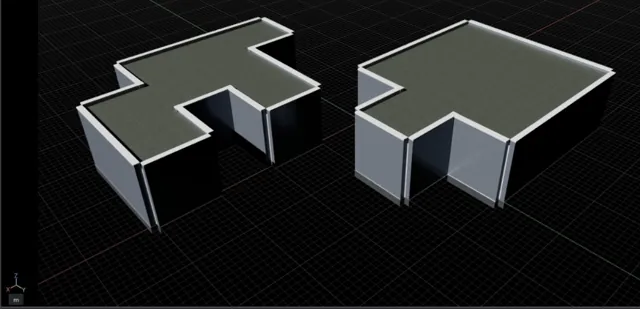
Learn OpenUSD foundations, manage USD paths and variants, and build warehouse and conveyor assets.
Content Agents#
Content Agents are AI-powered agents that automate 3D content workflows using Vision-Language Models (VLMs). They analyze 3D assets and automate material assignment, physics property classification, and texture generation for USD files, so that imported assets behave correctly in simulation. See the Content Agents GitHub repository for the latest tools and updates.
Monitor asset loading#
The Omniverse Activity UI shows progress while assets load.
Enable the omni.activity.ui extension in Window > Extensions, or launch Isaac Sim
with --enable omni.activity.ui. Before you load a USD asset, open
Window > Utilities > Activity Progress to monitor its dependencies.